
Contents:

Practical course: "Online tutor"
Find out moreDiaClass
The free plan has limitations: up to 10 people can participate at the same time, create up to 2 groups and conduct up to 3 presentations, each of which can contain no more than 5 Slides. A trial period of the advanced plan is also available, which lasts one month and costs 100 rubles.
The Russian-language interface is available.
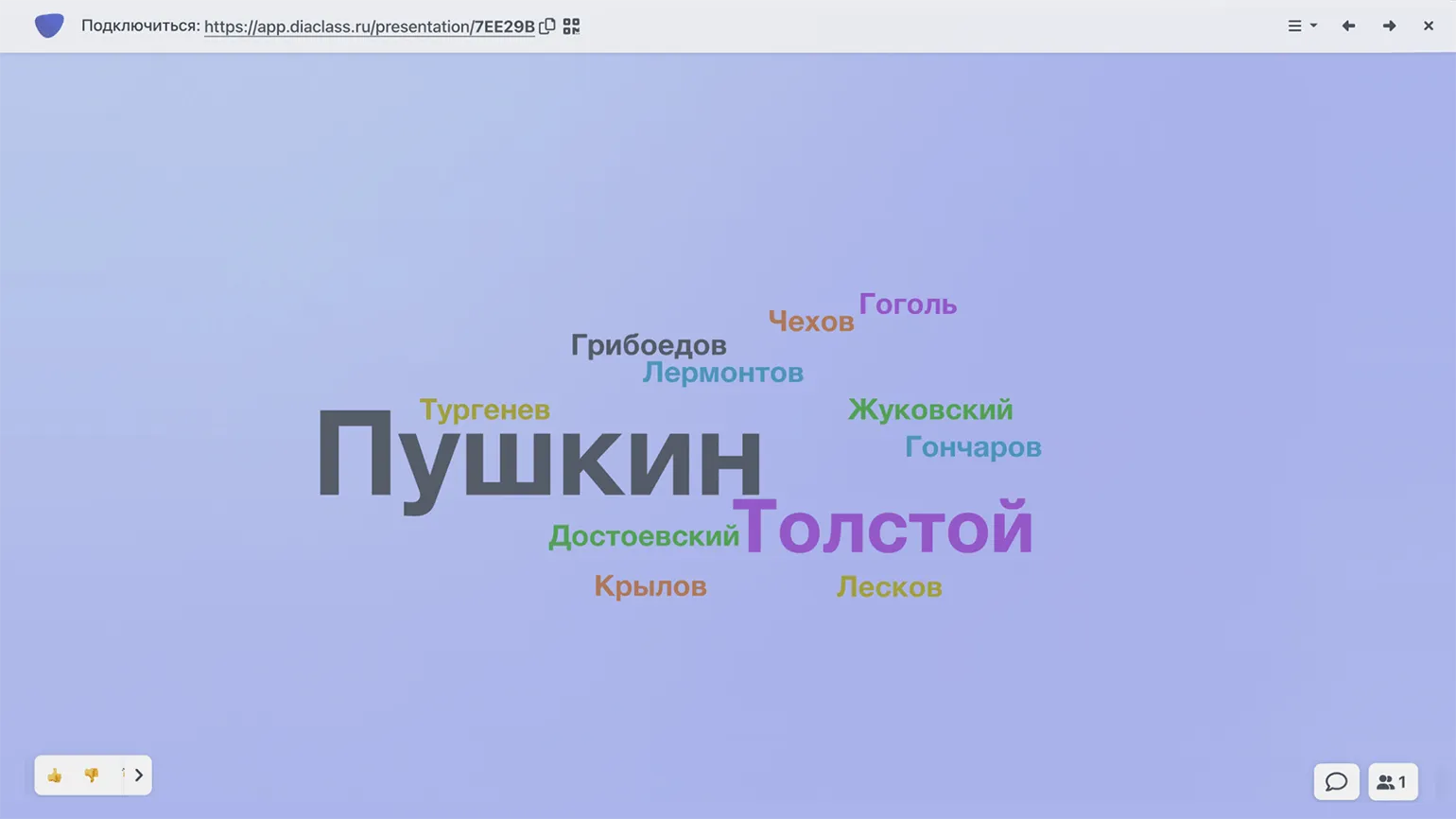
The Russian platform for creating interactive presentations offers a variety of quiz formats, including multiple-choice quizzes, matching, and arranging elements. Polls are also available without automatic grading, making them more flexible. One interesting quiz format is the "word cloud," where students can open the presentation on their computers or smartphones, enter their answers in special fields, and the system collects them and displays them on the next slide. This not only engages participants but also visualizes their responses in real time.
To create a "word cloud," you can customize the slide background, response time (up to five seconds), and the maximum number of responses per participant (up to five). The DiaClass platform offers two presentation modes. In synchronous mode, all students are connected to the service simultaneously and can respond in real time. Options are available with manual slide switching or automatic timer-based switching. In deferred mode, the teacher sets the presentation access period, allowing students to view the content and answer questions at their own time. It should be noted that the word cloud is only available in synchronous mode: in deferred mode, the results slide is not generated.
Students do not need to register. When connecting to the presentation via a link or QR code, the service prompts them to enter their name. The teacher can activate the anonymous response option, if desired.
"Unislide"
The free plan has limitations: a single presentation is allowed no more than 5 slides with test questions and 2 slides for surveys. The number of participants is not limited.
The Russian-language interface is available.
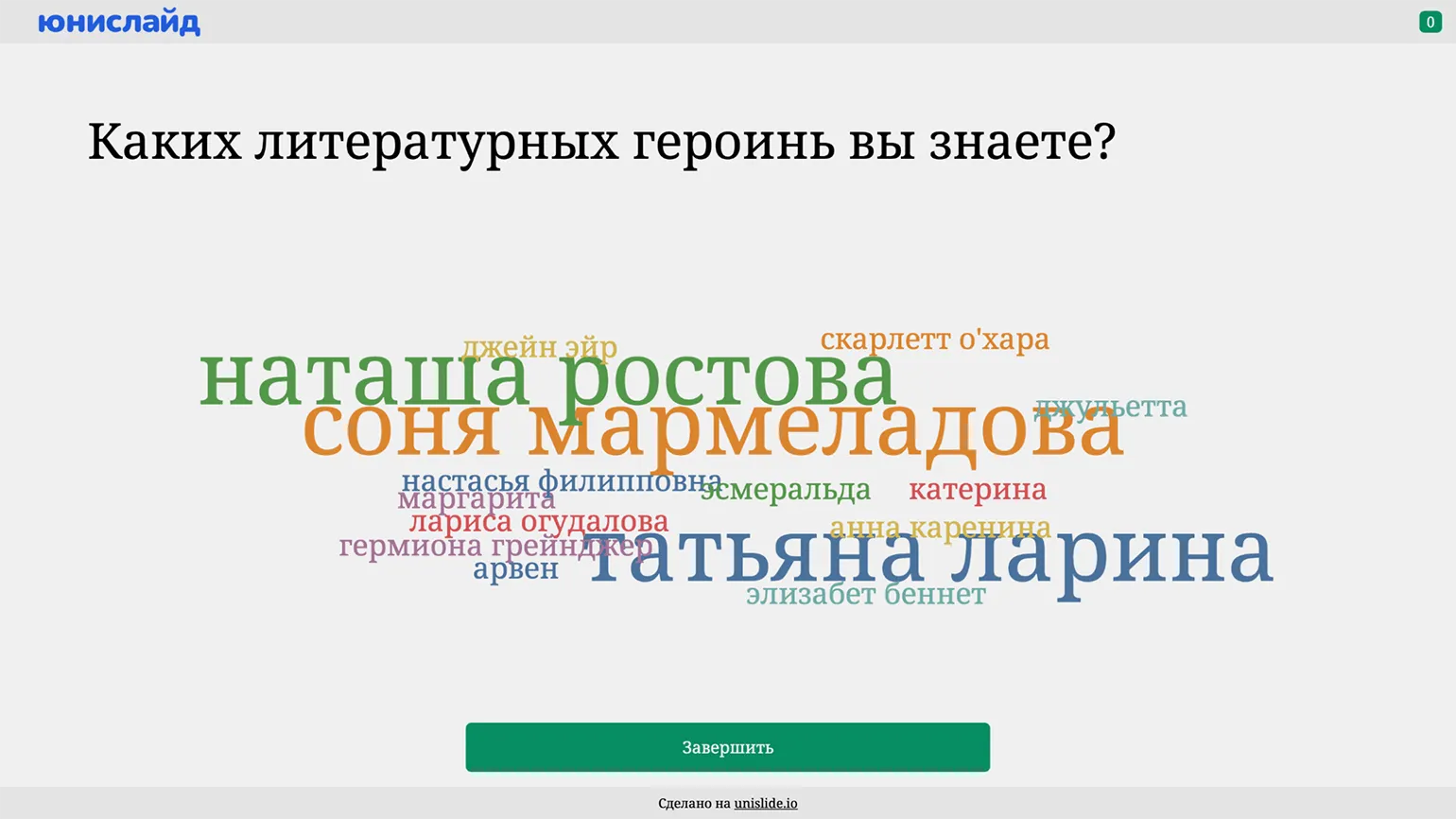
This A product from Russian developers designed for creating interactive presentations including informational slides, quizzes, and surveys. The "word cloud" slide format allows for customizing the color scheme and limiting the number of responses from one to ten participants. This tool is ideal for educational institutions and corporate training, enabling effective audience engagement and collecting valuable data.
This service's presentations operate synchronously, allowing teachers to launch them from their own devices and invite students to join using a numeric code or QR code. Participants do not require registration, simplifying the connection process. While students enter their responses from computers or smartphones, they instantly appear on the slide as a "word cloud." This makes the learning process more interactive and engaging, allowing teachers to quickly respond to student responses.
An asynchronous presentation option is also available. The creator selects the "Run in quiz mode" option and sets the date by which the material will be available to students. Students can connect to the presentation at any time using the provided link and complete the survey. Upon completion, they will see a word cloud with their collected responses, which will also be saved for the teacher in their personal account on the results page. This format allows for flexible organization of the learning process and convenient access to materials.
AhaSlides
The free plan has certain limitations: a maximum of 5 quiz slides and 3 survey slides are allowed in a single presentation. It is also worth considering that the number of participants who can simultaneously participate in a synchronous presentation launch is limited to 50 people.
There is no Russian-language interface.
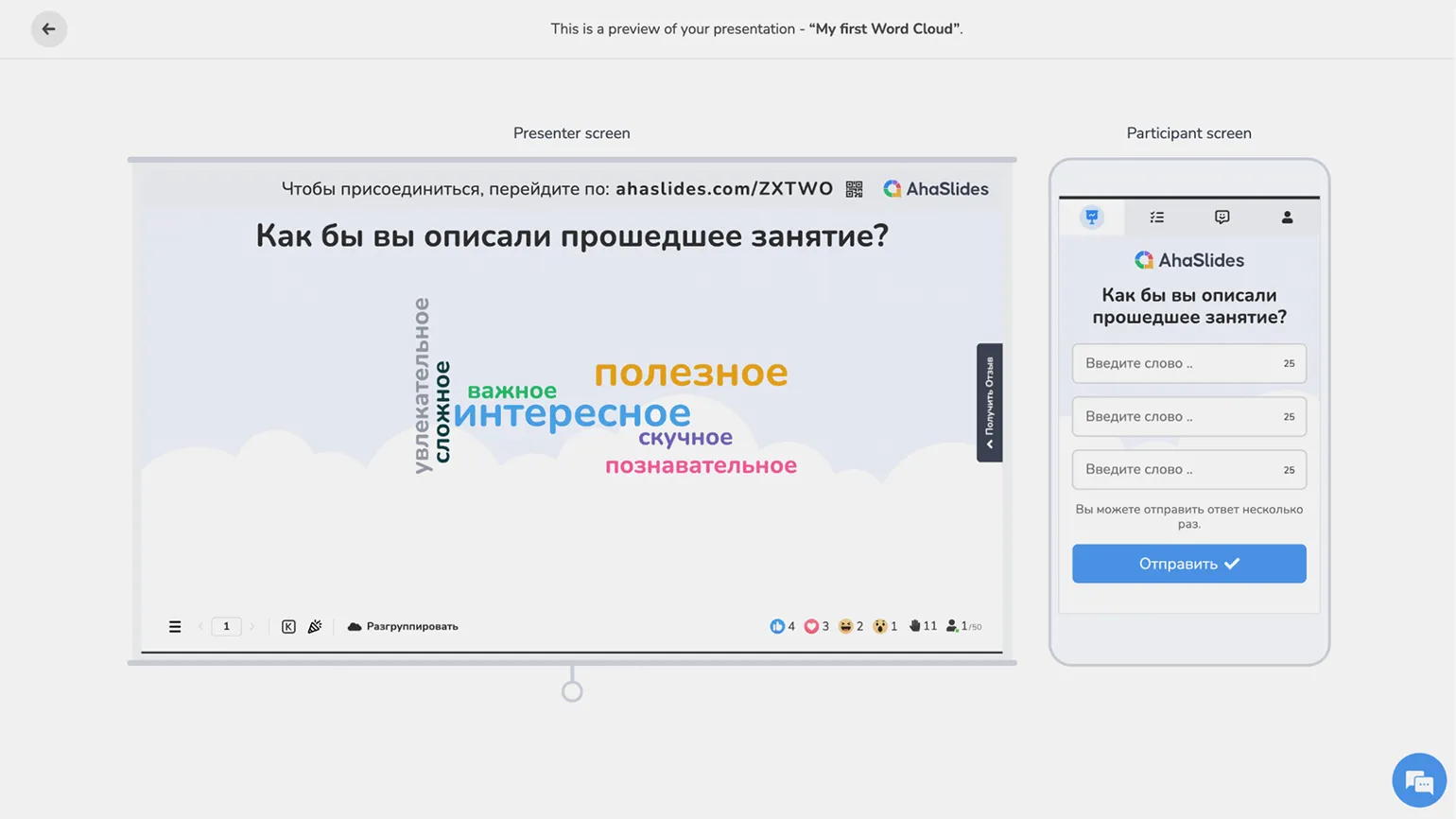
Several slide types are available for creating interactive presentations, including text, images, quizzes, and polls. The Word Cloud feature makes it easy to create a visualization: simply enter a question, specify the maximum number of responses per participant, and choose a slide background. More complex settings are available in paid plans, expanding the functionality and capabilities for users.
To participate in the poll, users can connect via the provided link or using a QR code, without the need to register. Answers and content viewing are possible asynchronously, allowing participants to interact regardless of the presentation time. In this case, students will only see the slide with the question and the field for entering an answer; access to the word cloud is only possible during a synchronous lesson when the teacher is sharing the screen. In your personal account, you can delete individual responses from a slide or clear the entire content.
Wooclap
The free plan has certain limitations. You can create no more than two slides per presentation, and the number of simultaneous participants is limited to 1000. Additionally, only synchronous content viewing is available. This is important to consider when planning online events and presentations to ensure maximum efficiency and comfort for participants.
The Russian interface is partially available.
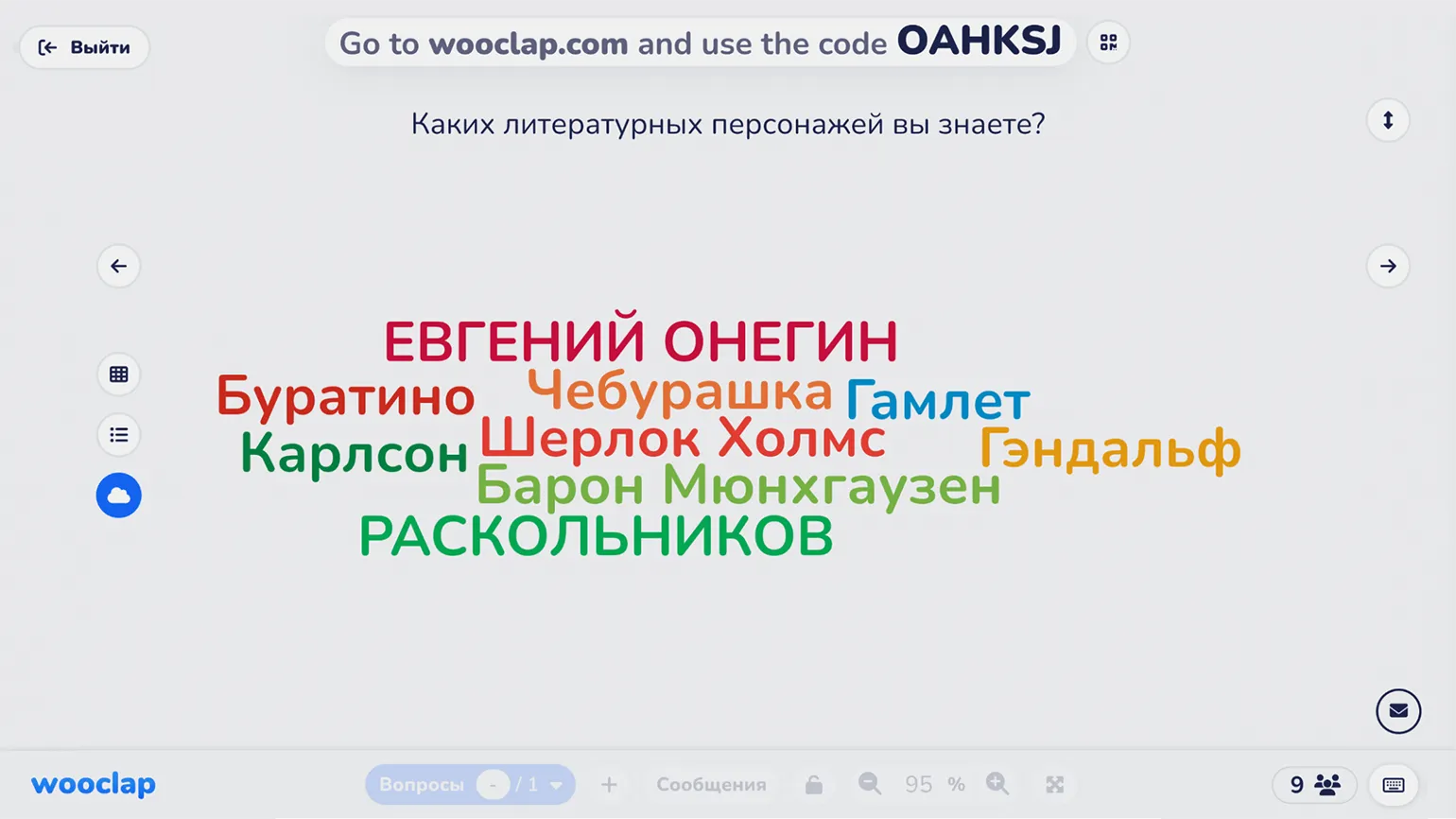
We present a tool for creating interactive presentations with quizzes and surveys. The free plan only allows this tool to be used for synchronous classes. This means the teacher must launch the presentation and invite participants to participate simultaneously. This approach is ideal for educational events that require real-time engagement from all participants. Interactive elements, such as quizzes and polls, make the learning process more engaging and effective.
The word cloud format offers a variety of settings for maximum flexibility. Participants can provide multiple answers, and you can also set a character limit for each answer and enable a timer. Moderation is an important feature: answers will only appear on the slide after approval by the presentation creator. Among the interesting features is the ability for participants to like each other's answers. Results can be visualized in various formats: a standard word cloud, a list, or a table. In the table, participants can not only enter text but also attach images, which is suitable for creative tasks, such as "Which meme reflects your mood?"
Students can join the presentation via a link, QR code, or by entering a letter code on the platform's main page. Registration is not required by default, but alternative options are available. The platform can request a presentation from a participant or restrict access to registered Wooclap users only.
AnswerGarden
The free plan provides full functionality at no cost. You can use all the main features without restrictions, which makes it an ideal choice for users looking for high-quality solutions without financial investment.
The Russian-language interface is not available.
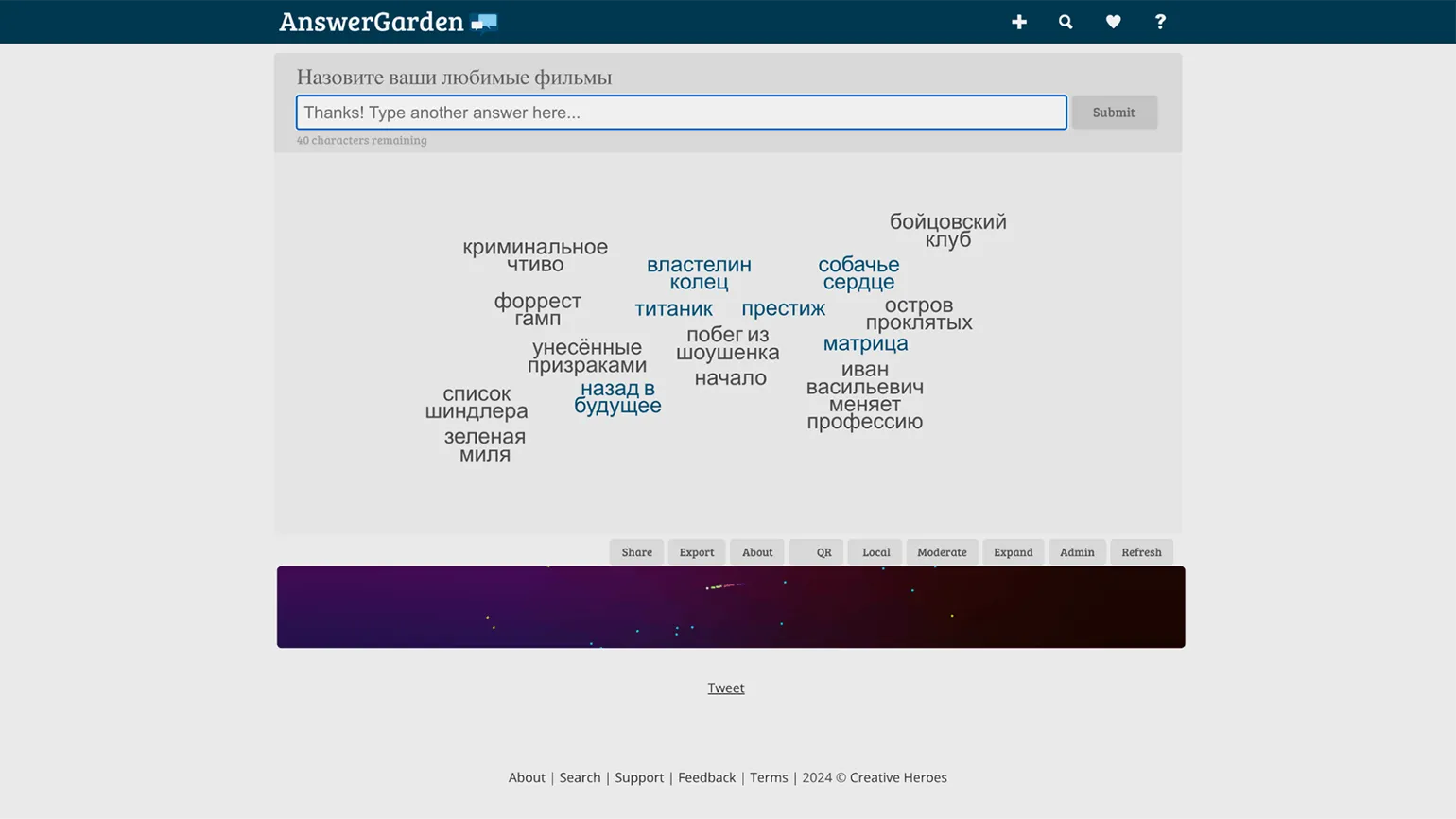
This service offers a unique way to display user responses in a "word cloud" format. Unlike other platforms, this is its primary function. The teacher asks a question and provides a link or QR code for students to enter their answers. They will then see their answers along with numerous other responses from participants, creating an interactive and engaging learning environment.
There are three available survey modes. Brainstorm mode allows respondents to enter the same answers, which encourages idea generation and the exchange of opinions. In Classroom mode, each answer can only be submitted once, ensuring uniqueness in participant opinions. Moderator mode requires approval from the survey creator for each answer before they appear in the "cloud." These modes allow for flexible management of the survey process and provide variety in approaches to data collection.
Registration is not required to answer surveys. However, to manage the survey and delete unwanted responses, teachers must create an account using their email address.
Digiwords
The free plan of the service has certain limitations. However, using this plan remains completely free. Users can enjoy the platform's features without any cost, making it a great choice for those looking for affordable solutions.
The interface is not available in Russian.
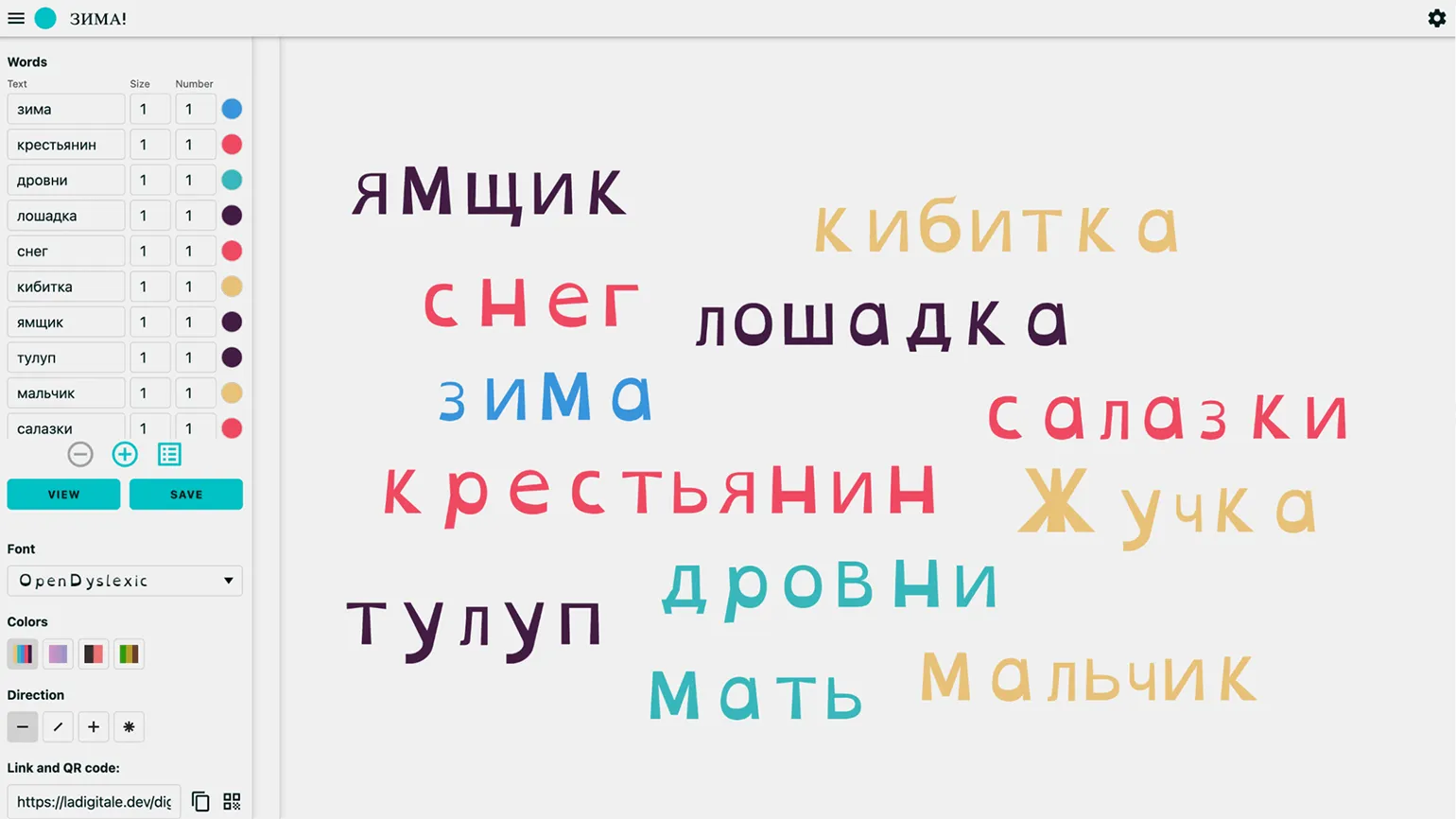
The French website La Digitale offers a vast collection of free educational tools. These resources help organize collaboration, plan lessons, and create media content. One such tool is Digiwords, which allows users to create "word clouds." The service's interface is in French by default, but in the upper right corner there is a button to switch to English or Italian. It is also possible to translate the interface from French to Russian using the browser's built-in translator. However, it is worth noting that in the Chrome browser, translation works more correctly for the English version. Using these tools can significantly improve the learning process and make it more interactive.
To create a "word cloud," you need to enter words one by one in special fields or list them separated by commas on a single line. Users can customize the size and color of each word, as well as choose one of four color themes. For Cyrillic characters, only the standard font and the OpenDyslexic font are available, which can be selected from the menu. Words can also be arranged in a variety of ways: horizontally, vertically, horizontally and vertically, or randomly.
The generated word cloud can be easily shared with students via a link or QR code. It can also be downloaded to your computer in JPG format. This is a convenient solution for use in lessons and educational projects, allowing you to visualize keywords and ideas.
WordItOut
The free plan of the service has certain limitations. However, using this plan remains completely free. You can use the basic functions without making any payments.
There is no Russian-language interface.
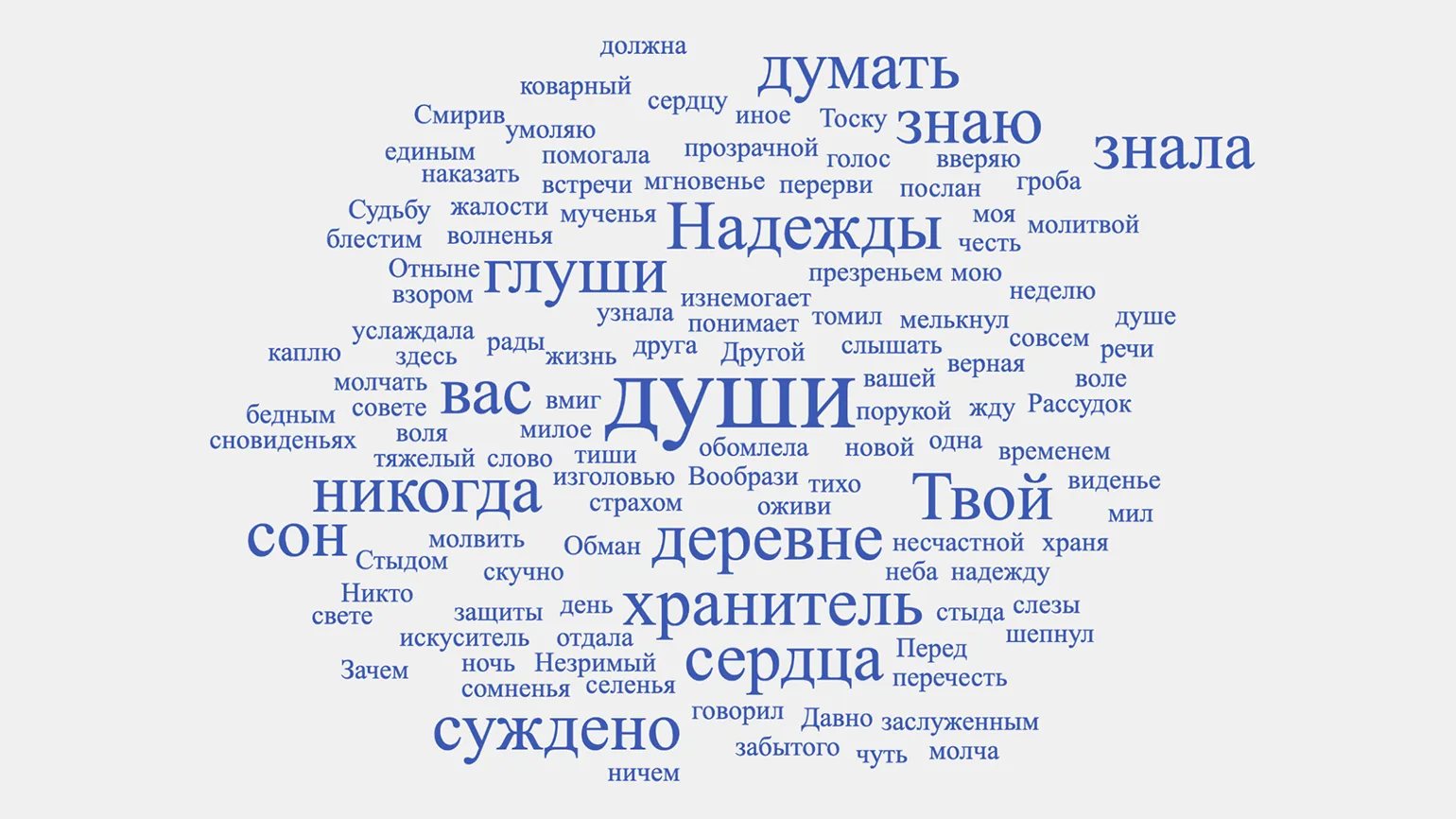
The word cloud generator service analyzes the entire text, not just a list of words, and ranks terms by frequency. In English, automatic filters effectively remove auxiliary parts of speech, but in Russian, conjunctions, particles, and prepositions, which are abundant in any text, often take center stage. To address this issue, after creating a word cloud, users can adjust the number of words displayed and remove unnecessary elements on the Words tab. This allows for a more accurate and informative word cloud tailored to the needs of text analysis.
The settings allow users to choose a color palette for words and background, as well as customize the word arrangement and image orientation. Users can adjust the size of words, determining how much they will vary in size. A font selection is also available, but it is important to note that Cyrillic support is not guaranteed for all fonts. All changes can be applied using the Regenerate button.
To save the result, you must enter an email address. A link to the completed cloud will be sent to it. Using this link, you can download the PNG file, open it in full-screen mode, get the HTML code to embed on your website or blog, and share the result with students on social media such as Telegram.
WordClouds
The free plan of the service has certain limitations. However, it remains completely free for users.
There is no Russian-language interface.
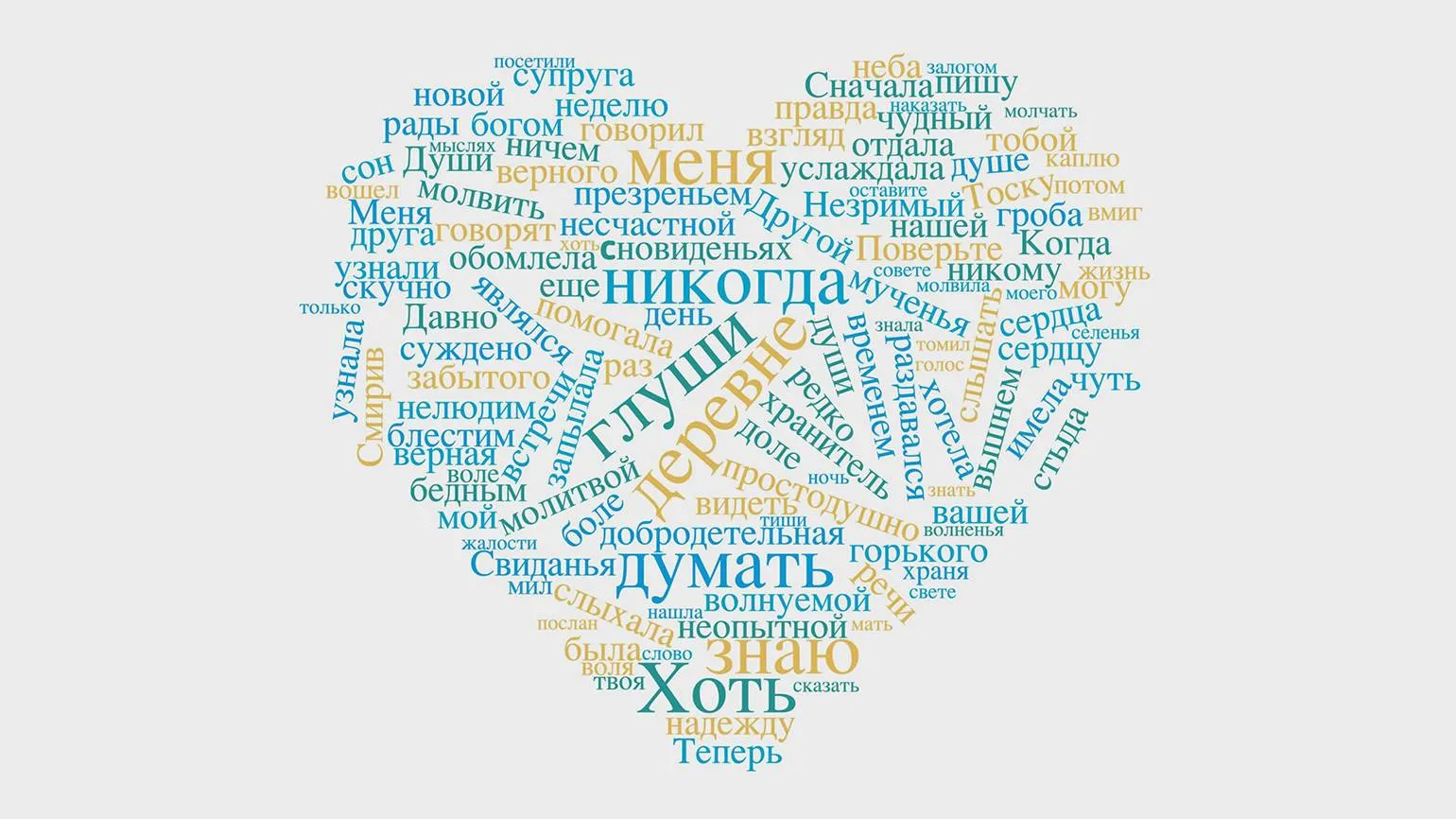
The multifunctional WordClouds word cloud generator provides The ability to customize every aspect of its appearance. It can process both entered text and uploaded PDF or Word documents. You can also use web page content by providing a link. After processing the text, you can easily remove unnecessary words, resulting in a cleaner and more informative word cloud. This tool is ideal for creating visual representations of data, analyzing text, and improving information comprehension.
A variety of word shapes are available, which can be customized to suit your preferences. You can also customize the color scheme and word arrangement. If your idea requires a unique font, you can easily upload one from your computer.
Once you finish working with the word cloud, you can save it as an image or PDF document. Links for embedding on a website and sharing with other users are also available. One of WordClouds' unique features is the ability to create a video file in which the words in the cloud appear with animation. Users can also upload an audio file from their device, making the process more interactive and engaging.
Simplewordcloud
The free plan provides full access to its features without any restrictions. Users can take advantage of all the platform's features without having to pay.
There is no Russian-language interface.
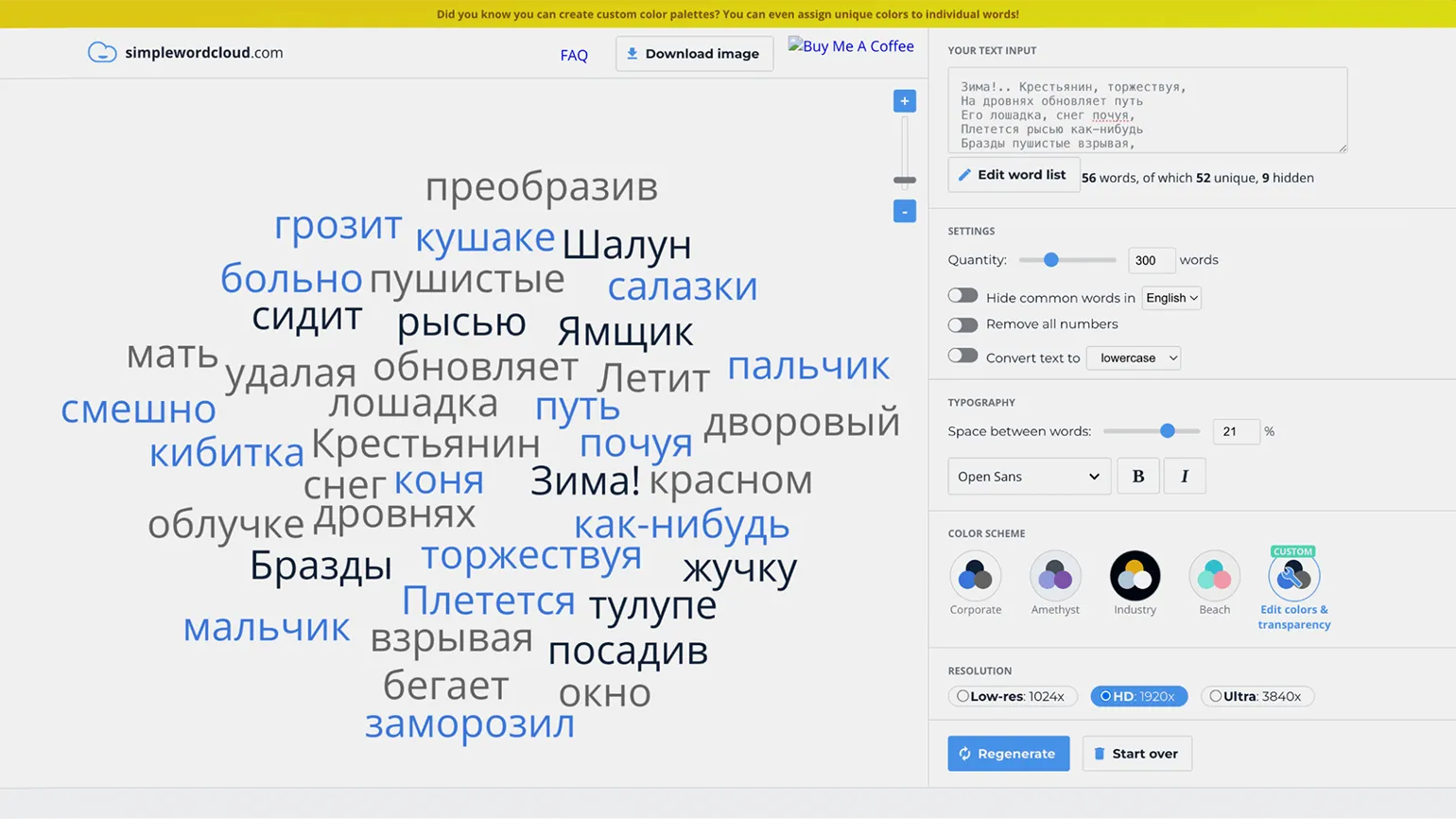
Simplewordcloud is the ideal solution for quickly generating content when an extensive feature set is not required. The user simply pastes text into a special field for analysis, and the service creates a "word cloud." Unnecessary words can then be easily removed using a list sorted by frequency or by selecting them directly from the "cloud." This makes the process efficient and convenient for users who need to quickly visualize text.
The total number of words displayed and their case are adjusted using convenient switches. A function for removing special parts of speech is available, which works for English and German, as well as the option to exclude numbers. Several fonts are available, although it is worth noting that not all of them support Cyrillic. Three color schemes are also available, as well as the ability to customize colors using a palette.
The word cloud is saved in PNG format with one of the following horizontal resolutions: 1024, 1920, or 3840 pixels. The choice of resolution depends on your needs and how you'll use the image. High resolutions, such as 3840 pixels, are ideal for high-quality printing or website posting, while lower resolutions can be used for fast loading and display on social media.
WordSift
With the free plan, users can access the service's full functionality without any limitations. Available features allow you to effectively use the platform to achieve your goals.
There is no Russian-language interface.
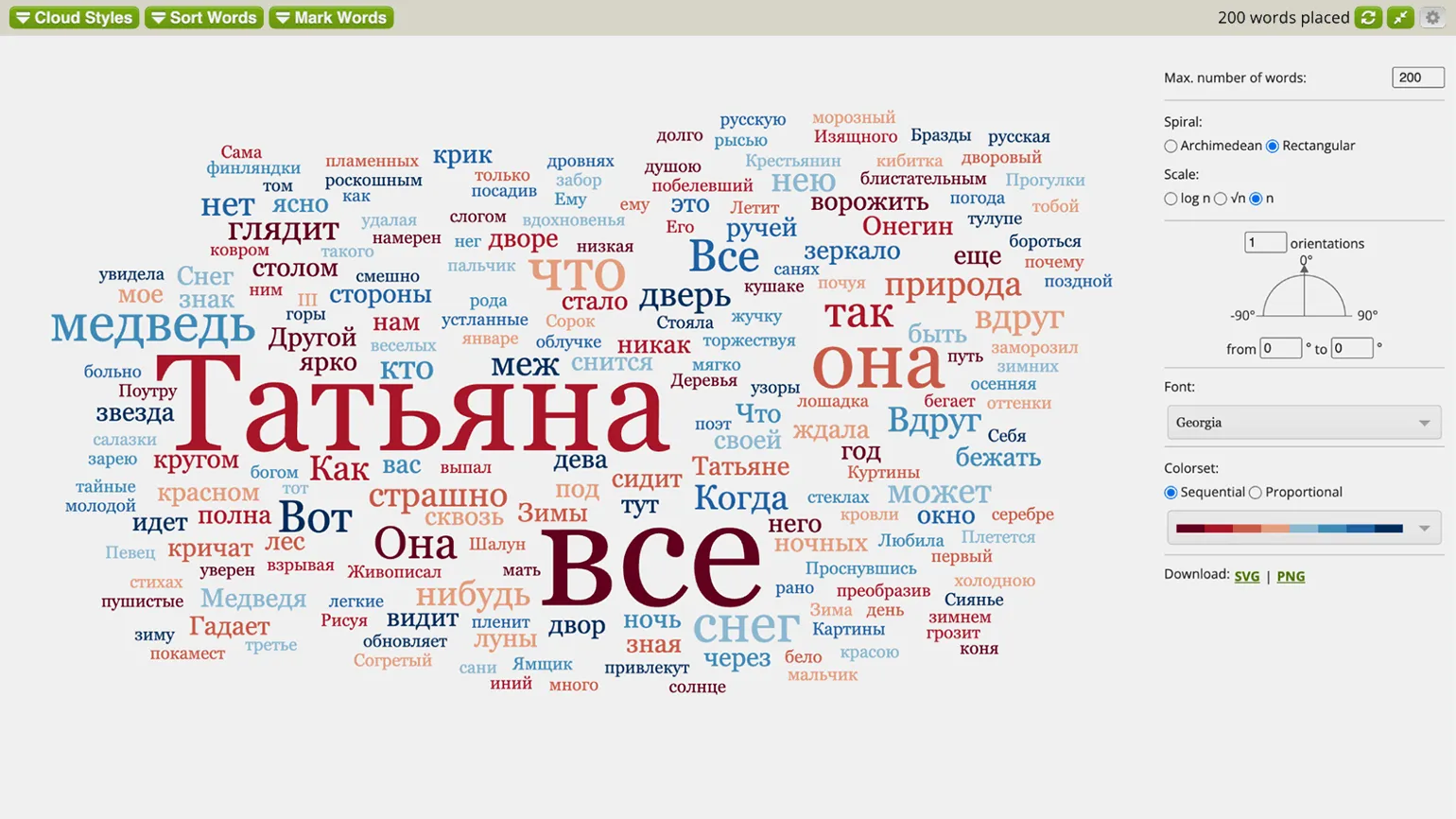
This tool, although it visualizes text similar to other services, is primarily designed for content analysis. It calculates vocabulary quotients, the number of unique words, average sentence length, and the average number of syllables per word. Additionally, the tool displays readability indices. The size and brightness of words in the "cloud" do not depend on their frequency in a specific text, but rather reflect their frequency in the corresponding language corpus. This approach allows for a more in-depth analysis of text structure and readability, which is important for improving content quality and optimizing it for search engines.
WordSift is designed to help teachers select appropriate text materials that promote student literacy development. It can be used to analyze students' speaking skills and vocabulary based on their written work. This tool allows you to highlight key concepts and ideas from texts, simplifying lesson analysis and promoting a deeper understanding of the material.
While all of this tool's features are optimized for English, it also performs well with Russian, automatically removing keywords from the word cloud. When visualizing text, users can choose the word arrangement principles, their number, and customize the font and color scheme. The service offers the option to download the final result in PNG or SVG formats, but this feature may not work in Chrome. If saving the word cloud in other browsers is not possible, an alternative solution is to open it in full-screen mode and take a screenshot.
WordsCloud
The free plan of the service has certain limitations. However, this plan allows users to use all the basic features without any costs. This allows you to test the service and evaluate its capabilities before switching to a paid plan.
The Russian-language interface is available.
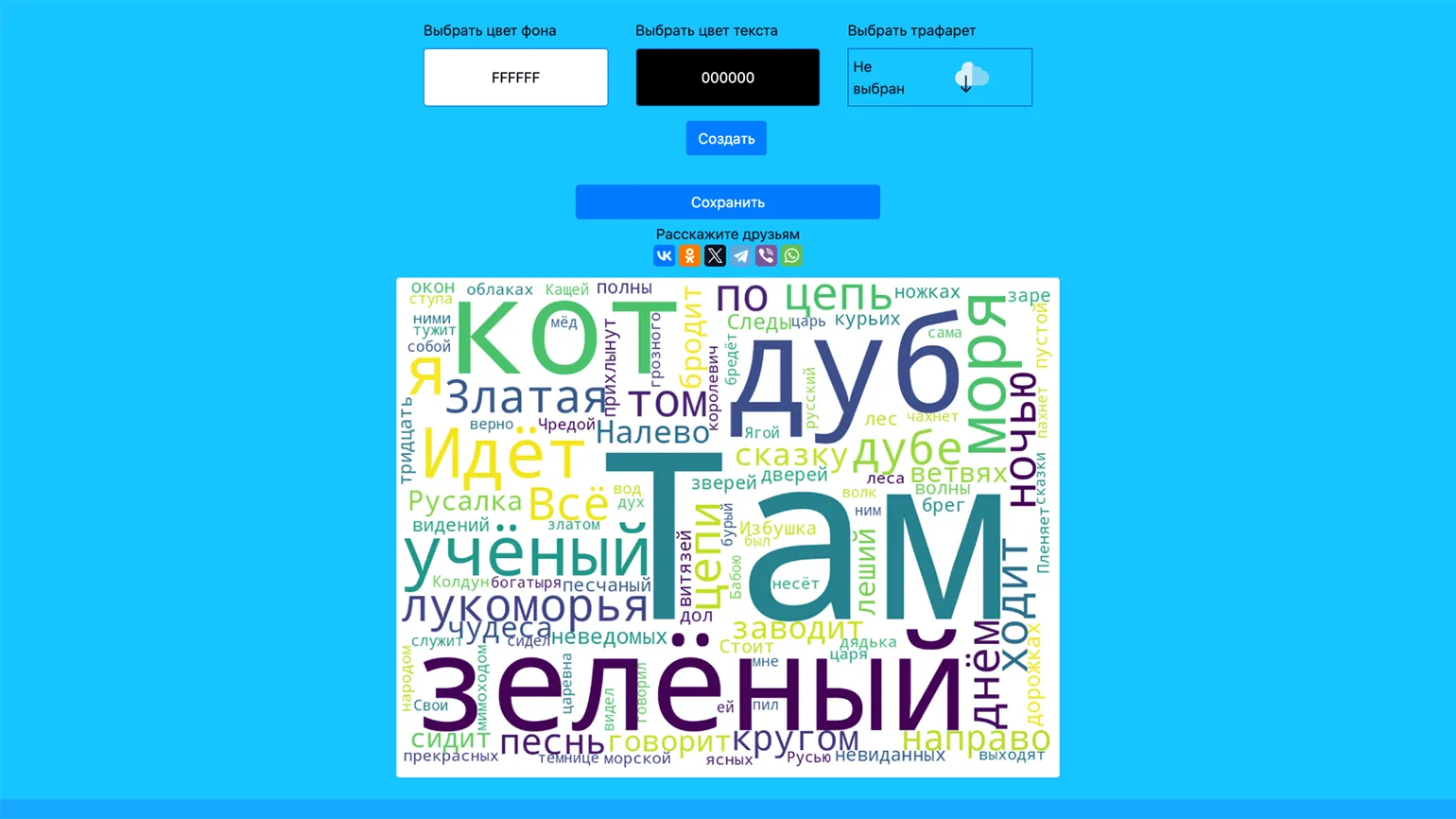
This is another convenient option, which is simple and lacks unnecessary elements. Its advantage is that it is a Russian-language service that automatically removes service parts of speech from Russian text. However, it is worth noting that the page contains advertising banners that take up significant space.
To create a "word cloud", you need to enter the text in the appropriate field, select the desired background color and the color of the words themselves. If necessary, you can specify the shape in which the words will be arranged. After that, simply click the "Create" button. The resulting image is saved in PNG format. Creating a word cloud is a simple and effective way to visualize ideas and concepts.
Word Сloud
The free plan of the service has certain restrictions. However, in general, using this service remains completely free.
At the moment, there is no Russian-language interface.
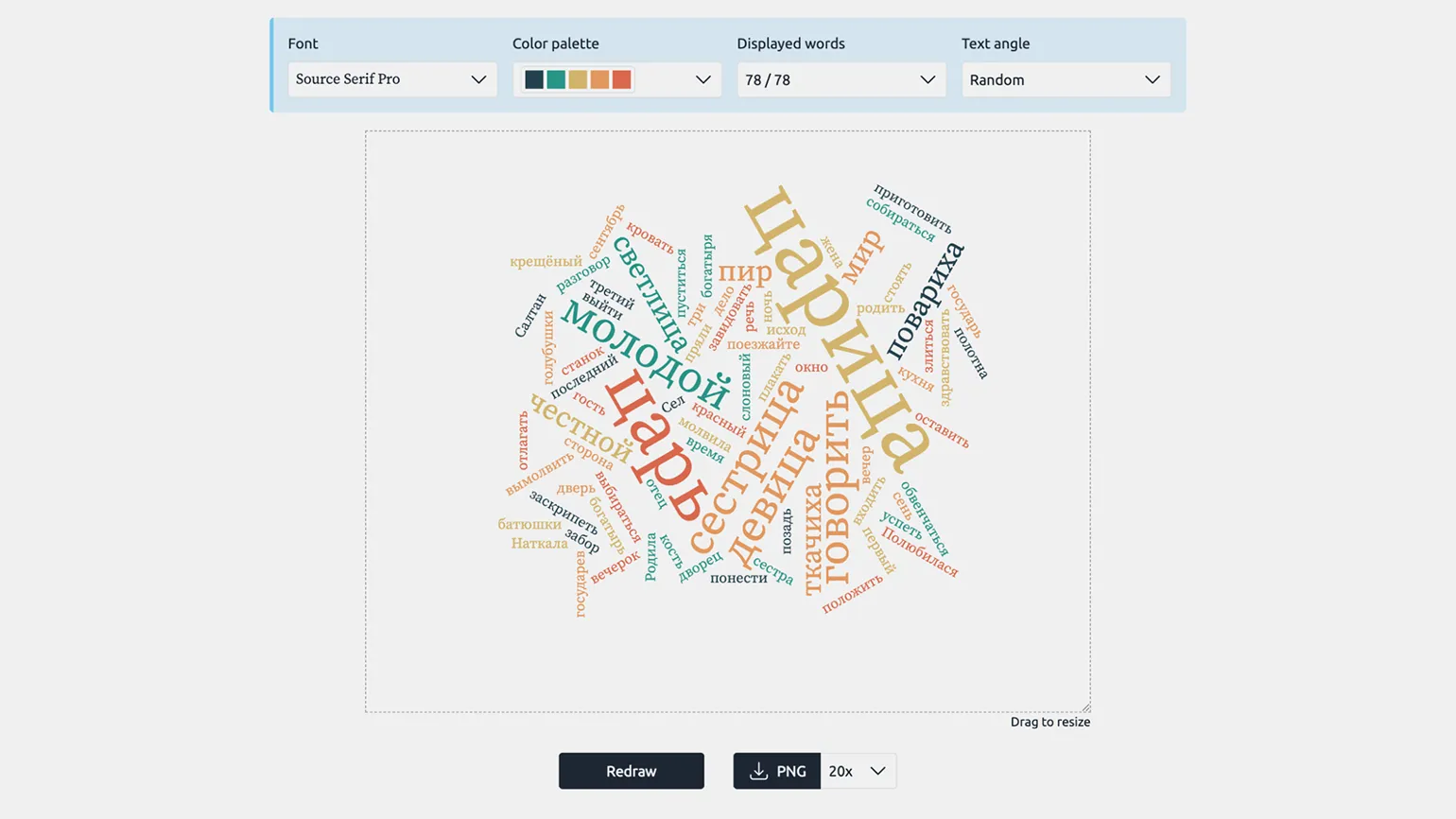
This option is minimalistic - the "word cloud" is formed with just one click of the mouse immediately after Text input. The tool works effectively with the Russian language, automatically removing particles, prepositions, conjunctions, and pronouns. Users can also manually exclude unnecessary words, ensuring a more accurate result. This approach allows you to quickly create an informative word cloud that clearly displays the main themes and ideas of the text, which helps improve SEO and increase content visibility.
The service offers a limited number of settings, including choosing the font family, color palette, and text layout. The result can be downloaded in PNG format in various resolutions, allowing you to adapt the image to different needs.
Flippity
The free plan has some limitations. However, the service provides full functionality without the need to pay.
There is no Russian-language interface.
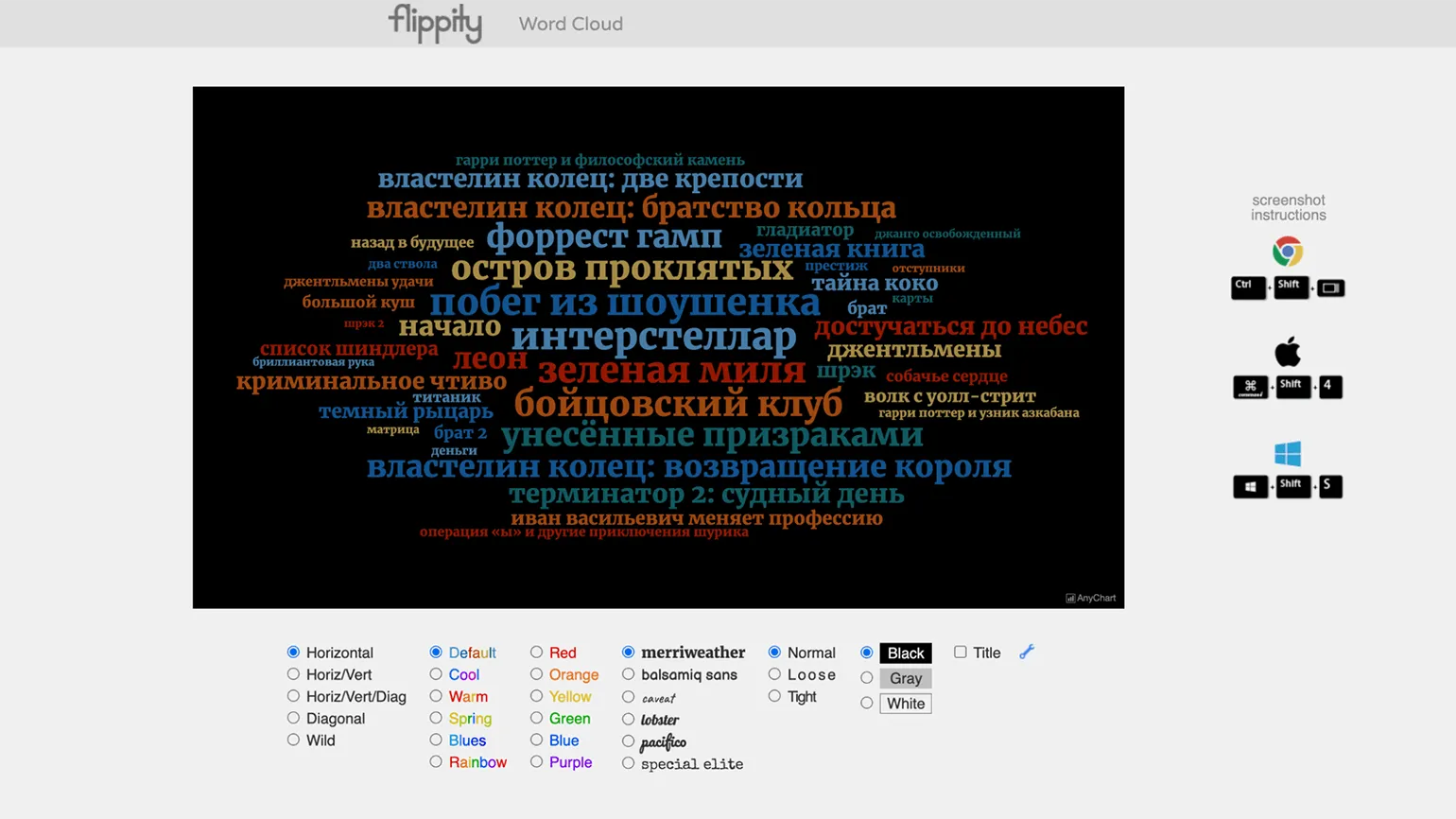
A tool for converting data from a Google Sheet into various content formats, such as flashcards, quizzes, crosswords, timelines, and word puzzles, provides many opportunities for interactive learning. There are also more static formats for visualizing information, one of which is the "word cloud." This tool allows you to effectively present data and makes the learning process more engaging and accessible.
Each format has its own instructions, but the operating principle remains the same. In the first option, you need to enter data in the designated field, select the required settings, and generate the content. An alternative option is to download a special template for Google Sheets, add data, and specify the desired parameters. After that, you need to publish the table and send a link to it to the Flippity website to receive the result.
To create a "word cloud," you can customize the font, color, and word density, as well as their orientation (for example, limiting it to horizontal only). You can also choose a background color, which can be white, gray, or black. These settings allow you to tailor the word cloud to your specific needs and preferences, ensuring visual appeal and readability.
There is one drawback: you can't download the finished result or share it via a direct link. The only way to save the result is to take a screenshot and save it as an image.
InkPx
With the free plan, the service provides full access to its features. However, it is important to note that certain limitations exist that may affect usage. Users may experience limitations in the number of available features or data volume restrictions. However, the free plan is a great way to get acquainted with the service and its capabilities.
There is no Russian-language interface.
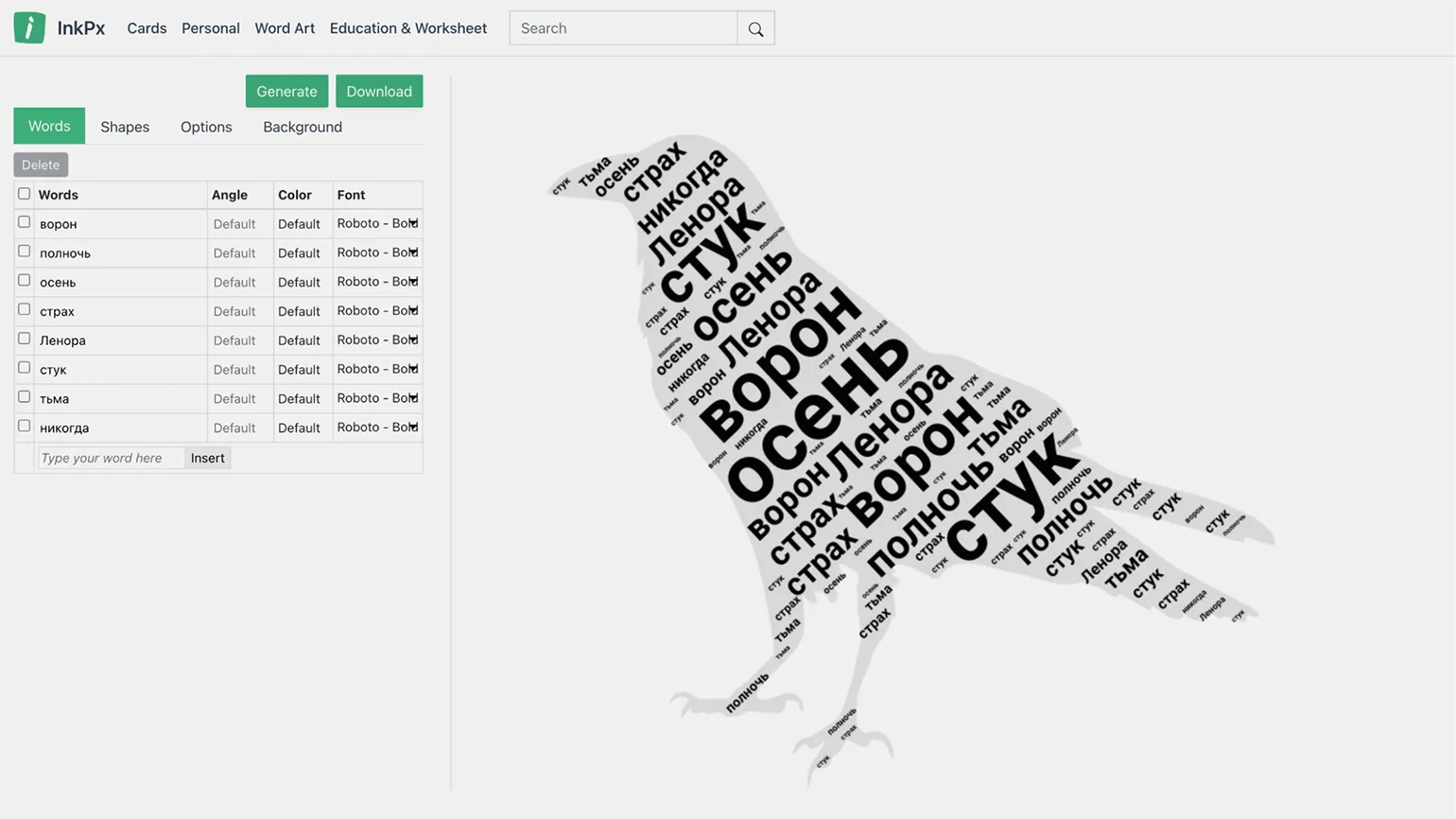
This website features generators and templates for a variety of greeting cards, calendars, planners, coloring books, and other printable materials. Here you'll find tools for creative text design, including templates for creating word clouds. To access word cloud templates, use the search bar on the main page by entering "word cloud."
Words are entered into special fields, and the shape is filled in completely, regardless of the number of words, using repetitions. The user can set the display angle of each word separately, as well as select the color and font (Cyrillic support depends on the selected font). In addition, these parameters can be configured uniformly for all words. The background color and opacity of the shape can be selected. In order for the settings changes to take effect, you must click the "Generate" button.
The finished result can be saved in PNG or JPG format by clicking the "Download" button.
WordArt
The free plan has certain limitations: users can create content without any restrictions, but the saved images will only be of low quality. This is important to consider when planning the use of the platform for projects that require high-quality graphics.
There is no Russian-language interface.
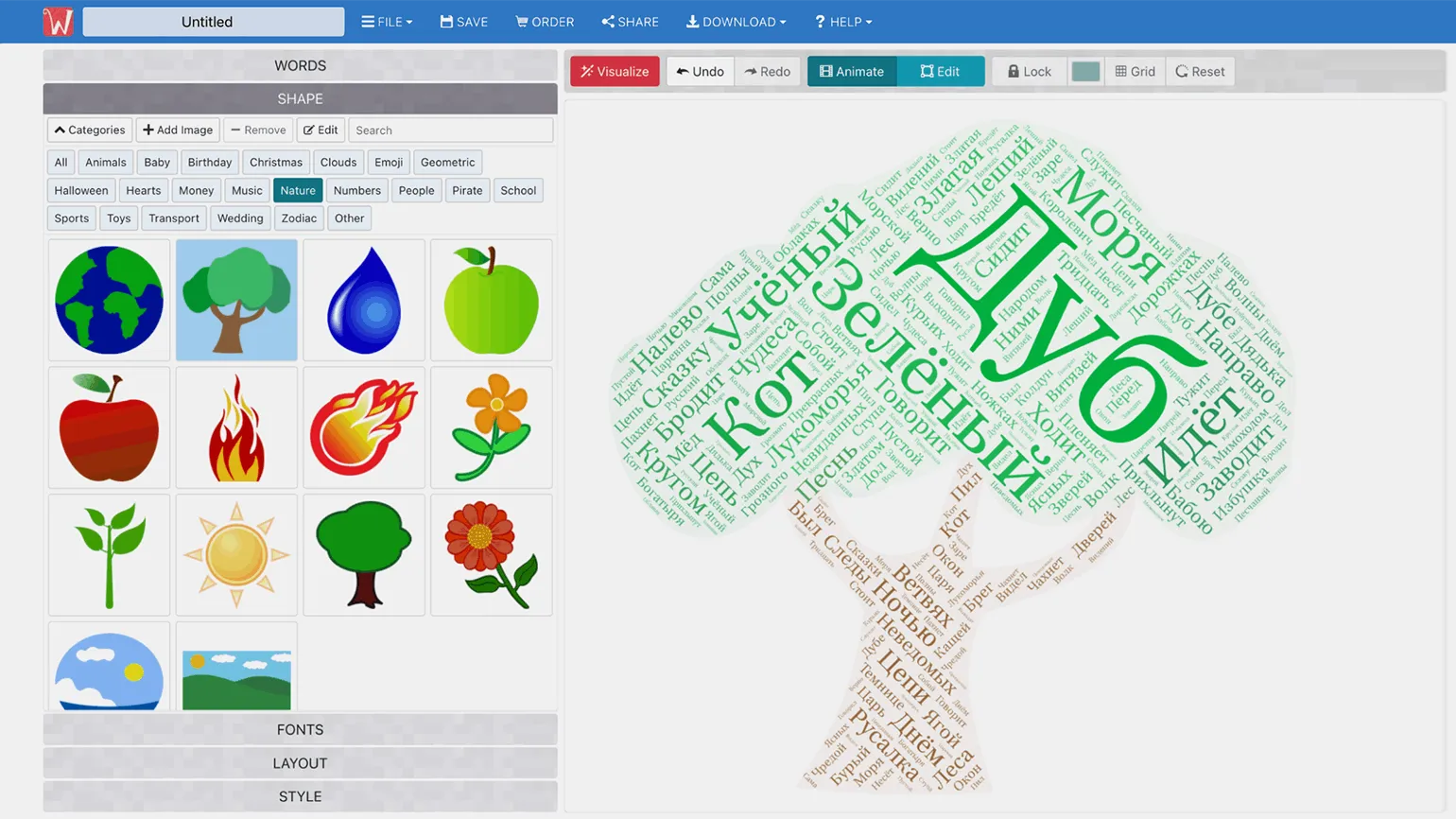
This tool is similar to InkPx in that it fills the selected shape with text, but it can process entire fragments, not just individual words to create a "word cloud." When adding text, there's a function for removing special words, but it doesn't work for Russian. However, these words can easily be manually removed from the list sorted by frequency. Using this tool allows you to effectively visualize text information and improve the perception of the content.
After selecting a shape and a font (which is conveniently highlighted in red for typefaces that don't support the Cyrillic alphabet), you can adjust the word placement parameters, their maximum size, and the spacing between them. The default color scheme matches the selected shape, but it can also be changed using the palette. Once you've completed the settings, click the Visualize button to see the result.
Registering on the website allows you to save and edit your work at any time. Finished images can be downloaded in PNG or JPG format, but their quality will be quite low. Payment is required to receive high-resolution materials.
Online Tutor
It doesn't matter what you teach - English, CrossFit, yoga, vocals, or culinary arts. Everything you previously taught in schools, studios, and offices can now be taught online. Promote your knowledge and skills and earn money from anywhere in the world.
Find out more