Contents:

Learn for free: "Neural Networks. A Practical Course"
Learn more"Shedevrum" is an aggregator of neural networks from Yandex, allowing users to create images, videos, and text materials using modern artificial intelligence technologies. A key feature of the service is its social network, where users can share their creations and leave comments on other participants' work. "Shedevroom" offers a user-friendly interface and a variety of tools, making the content generation process engaging and accessible to everyone.
This article will introduce you to the key aspects of the topic. We'll cover the main points in detail and provide helpful recommendations. This detailed coverage will allow you to gain a deeper understanding of the subject matter and apply your acquired knowledge in practice. Stay tuned for the latest and most valuable information.
- What is the difference between the mobile and desktop versions?
- How to generate images, videos, and text?
- What are Filtrums and how do they work?
- How to copy other users' prompts through the feed?
- What do paid features provide and how to use them?
Mobile and Desktop Versions
You can download the Shedevroom app to your mobile phone or use it through a browser on your computer. Both options provide the same generation results. However, the mobile version offers more features, such as text generation and access to Filtrum, which are available exclusively in the app.
The desktop version is available through a browser at the provided link. Smartphone users have access to apps for Android, iOS, and Huawei platforms.
How to Generate Images
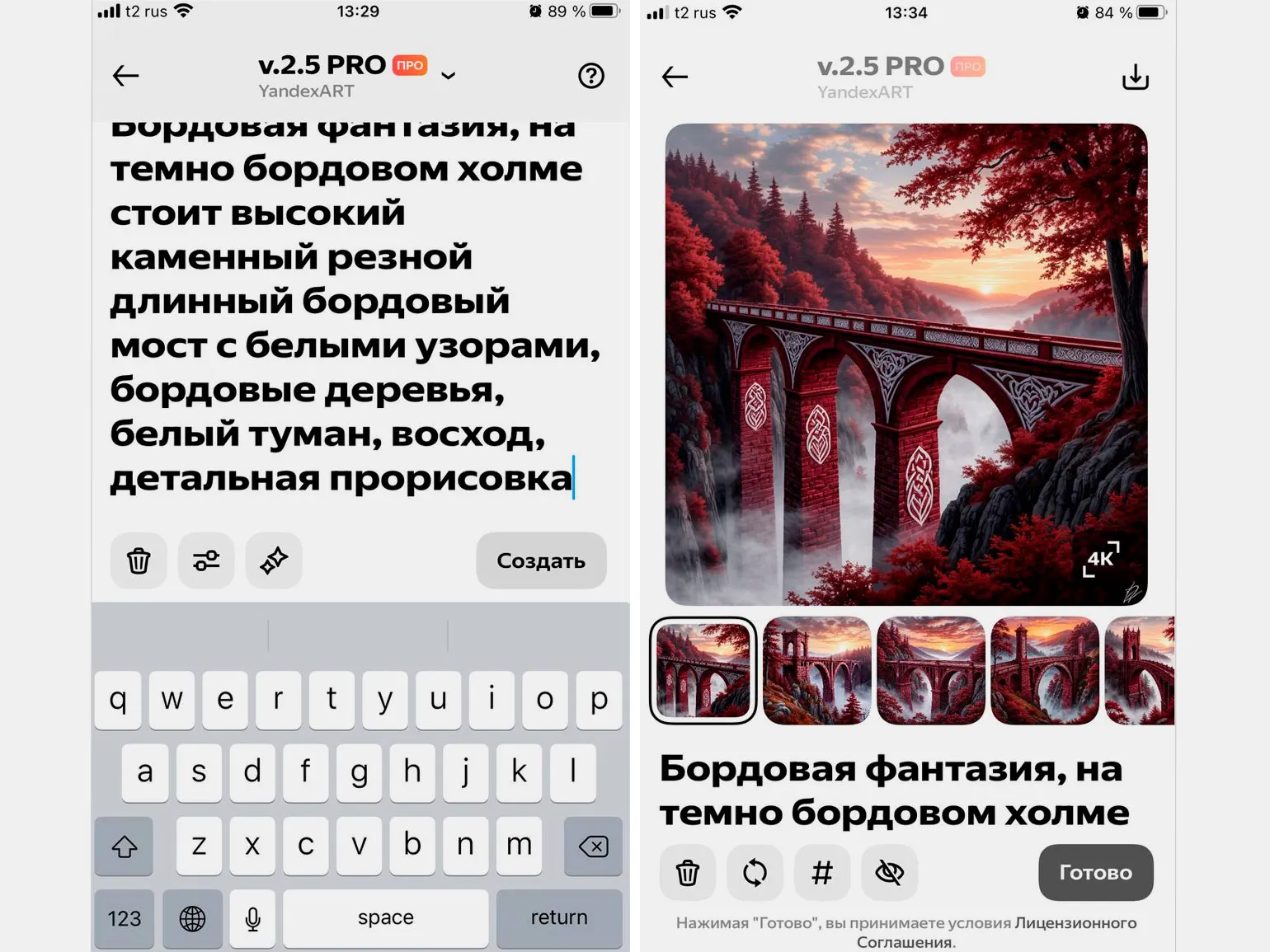
On the website, click the "Create" button in the upper left corner, or in the mobile app, click the plus icon in the bottom panel. Next, select "Image." In the window that appears, enter your prompt, select the generation method, and start the image creation process. Due to the high load on the service, the waiting time can reach three minutes.
How to create
On the desktop version, in the same window where you create images, select "Video" instead of "Images." In the mobile app, tap the plus icon and select "Video." Next, select the desired model, enter your text query, and create your first frame. After that, select the result you like and generate the video.
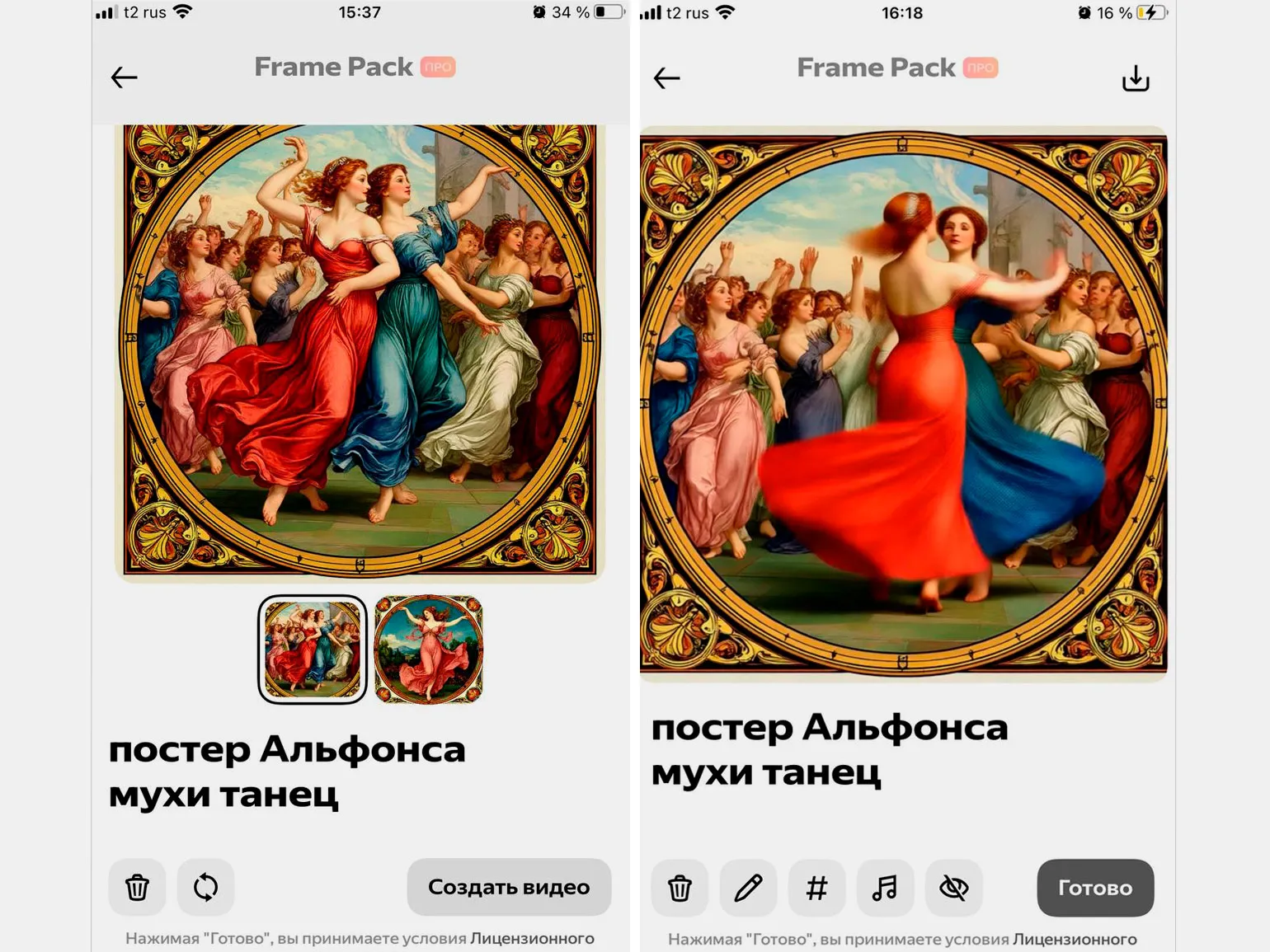
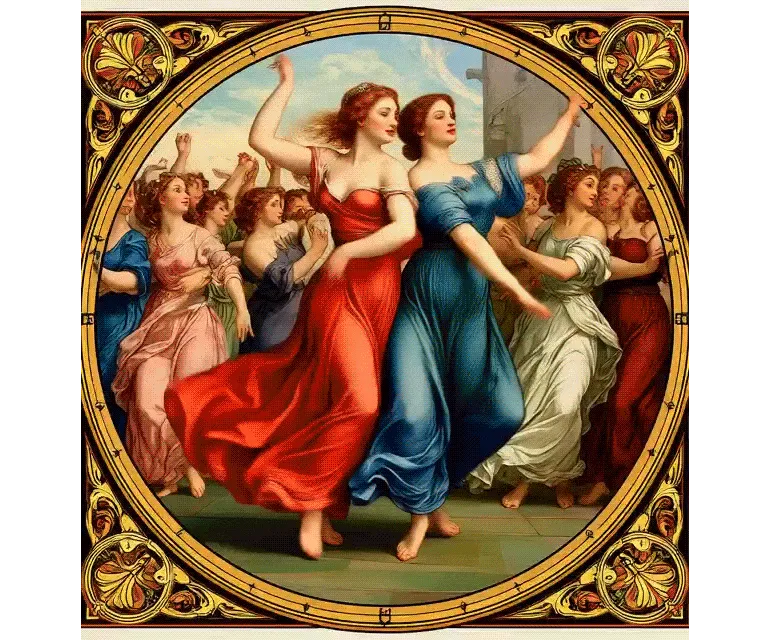
Video generation may take a significant amount of time, sometimes up to several hours, due to high system load. You are not required to stay on the website or in the application while waiting. If the neural network produces a static MP4 image instead of a full-fledged video, refine your query and regenerate the first frame. This will help achieve the desired result more efficiently.
On our website, you can generate up to 20 first frames and create up to 10 videos per day. An unlimited number of generations are available in the mobile app.
How to generate texts
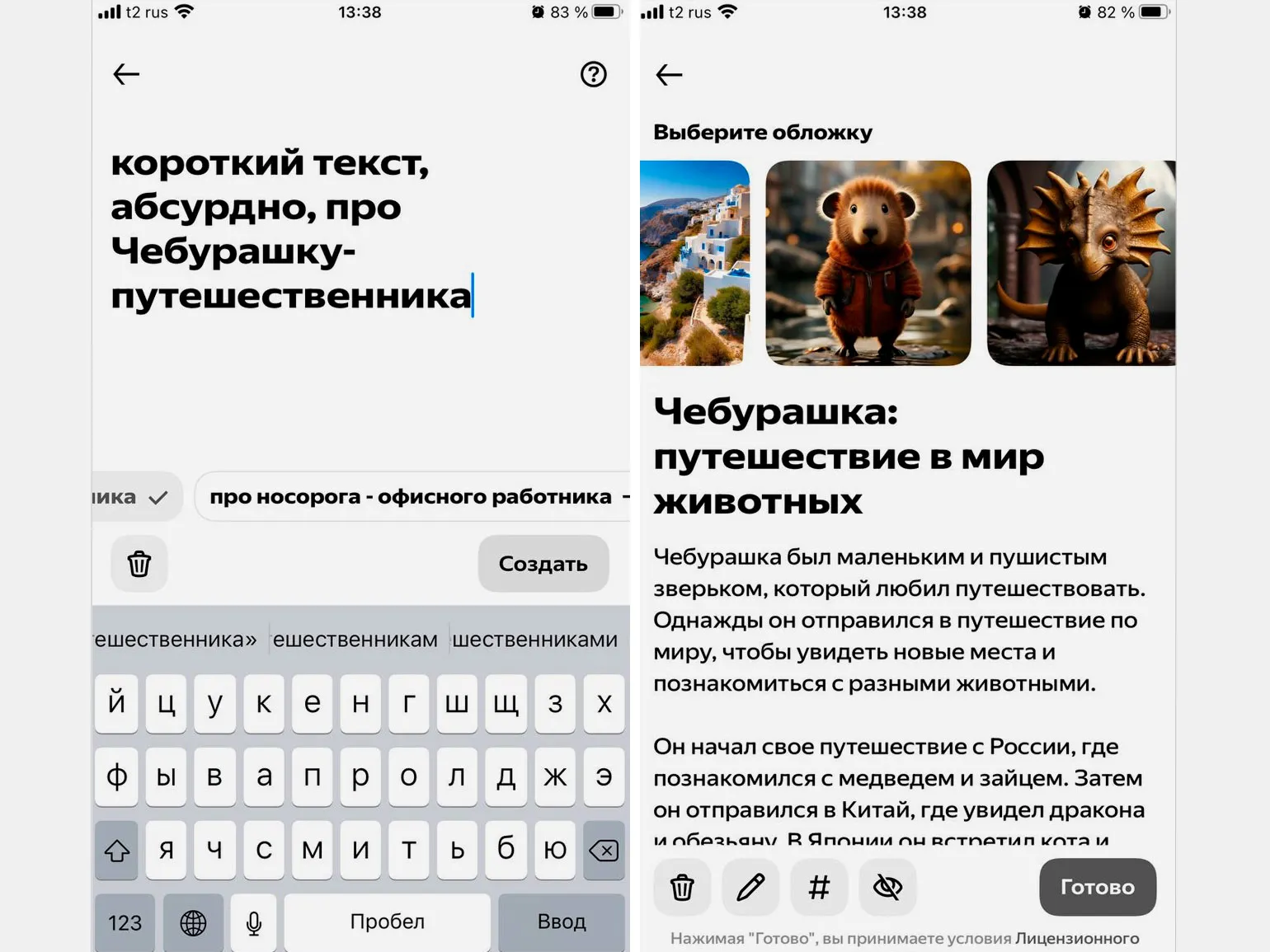
In the app, tap the plus icon and select "Text." Enter your query and, if necessary, add additional tags, such as a story, poem, or explanation. The neural network will offer you several cover options that match your text.
Filters
Sets Presets are tools for stylizing images and videos in a specific format. These settings can be easily applied to any photo. To do this, open the app, tap the Add button, go to the Filters section, select a suitable preset, and upload your photo. This approach allows you to quickly and effectively improve the visual perception of your content, making it more attractive and professional.
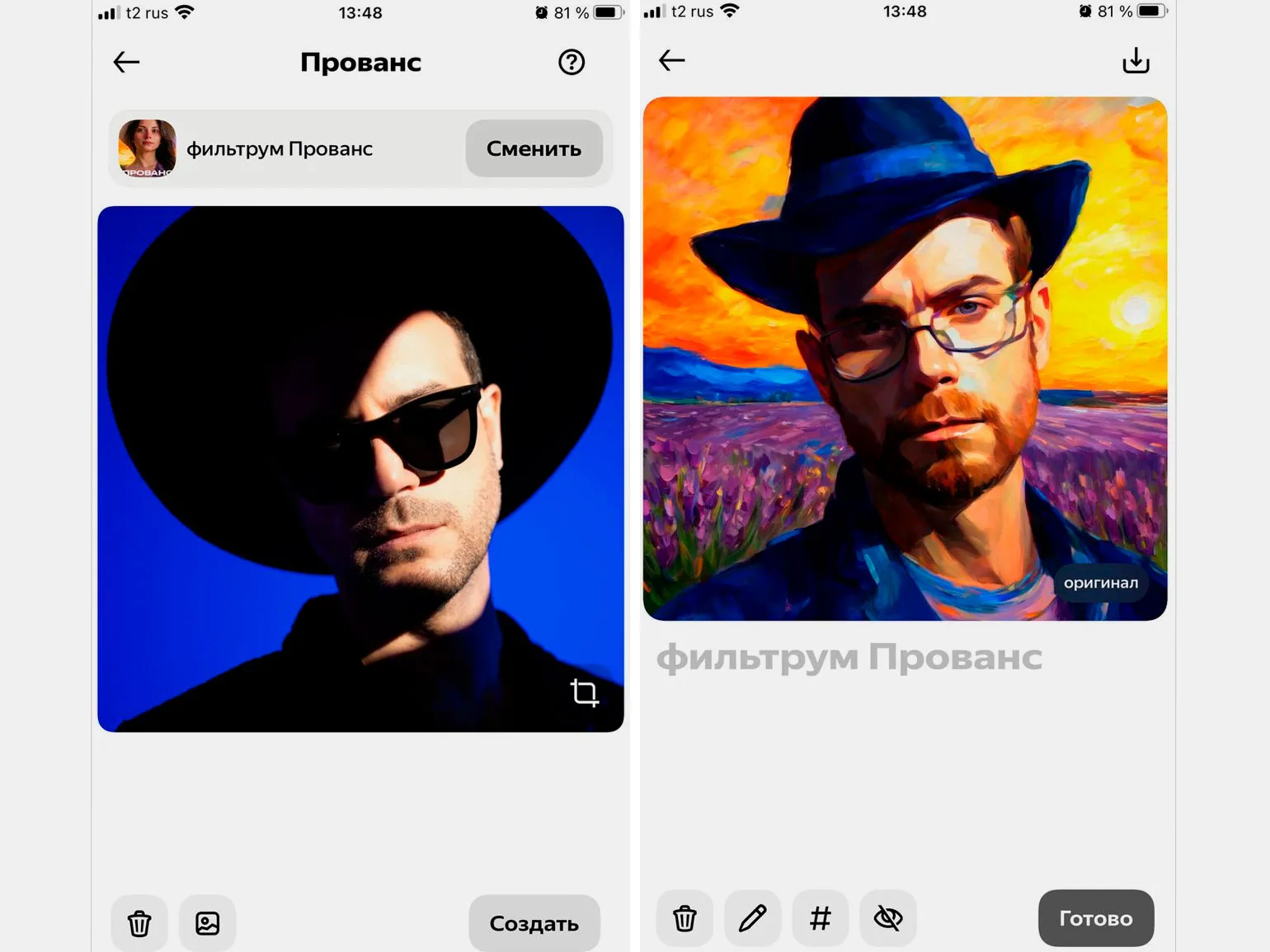
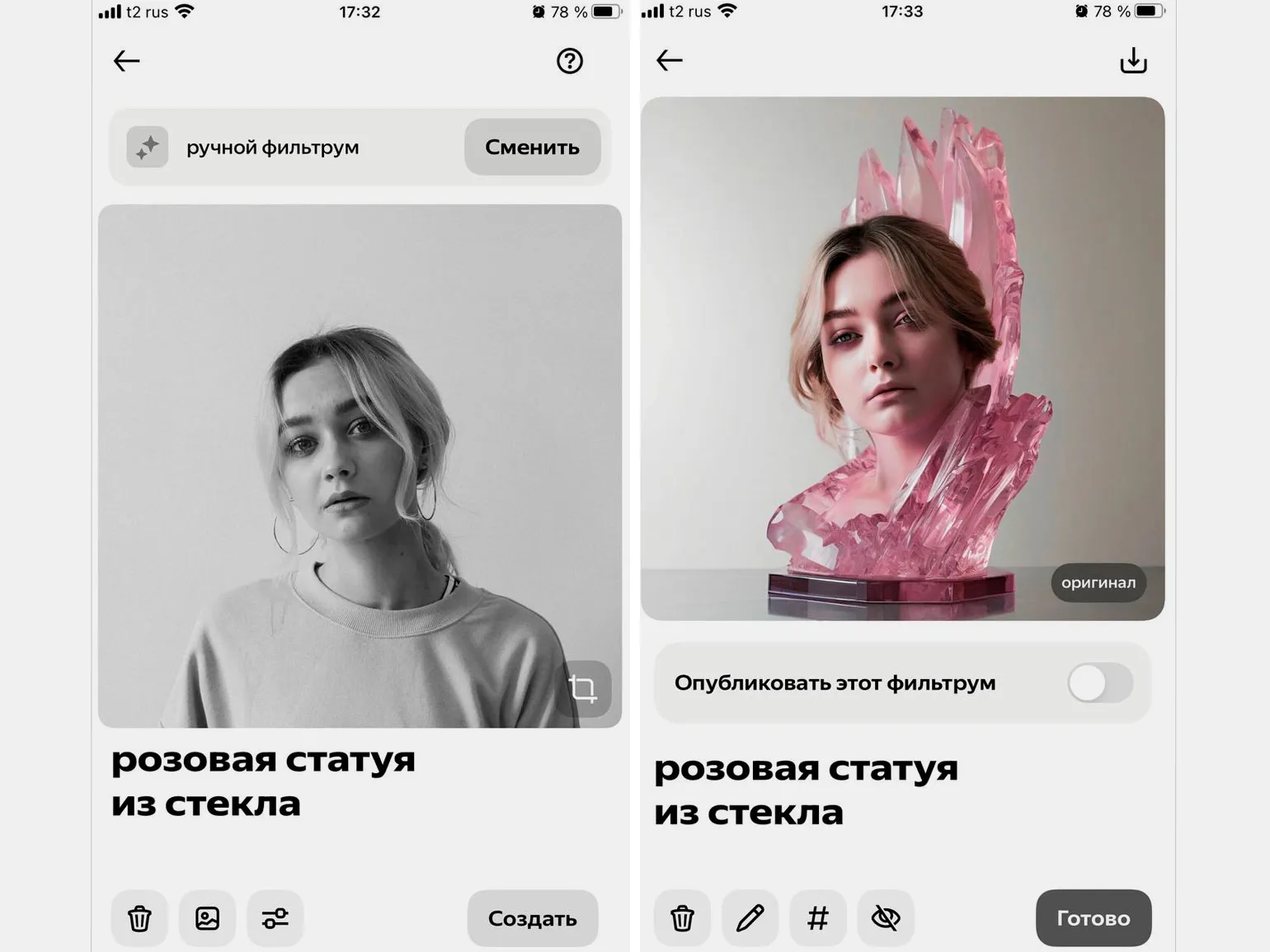
To change the parameters, click on the settings icon and set the level of changes that the neural network will make to the image. If you are not satisfied with the result, select the pencil icon to edit the settings or change the text query.
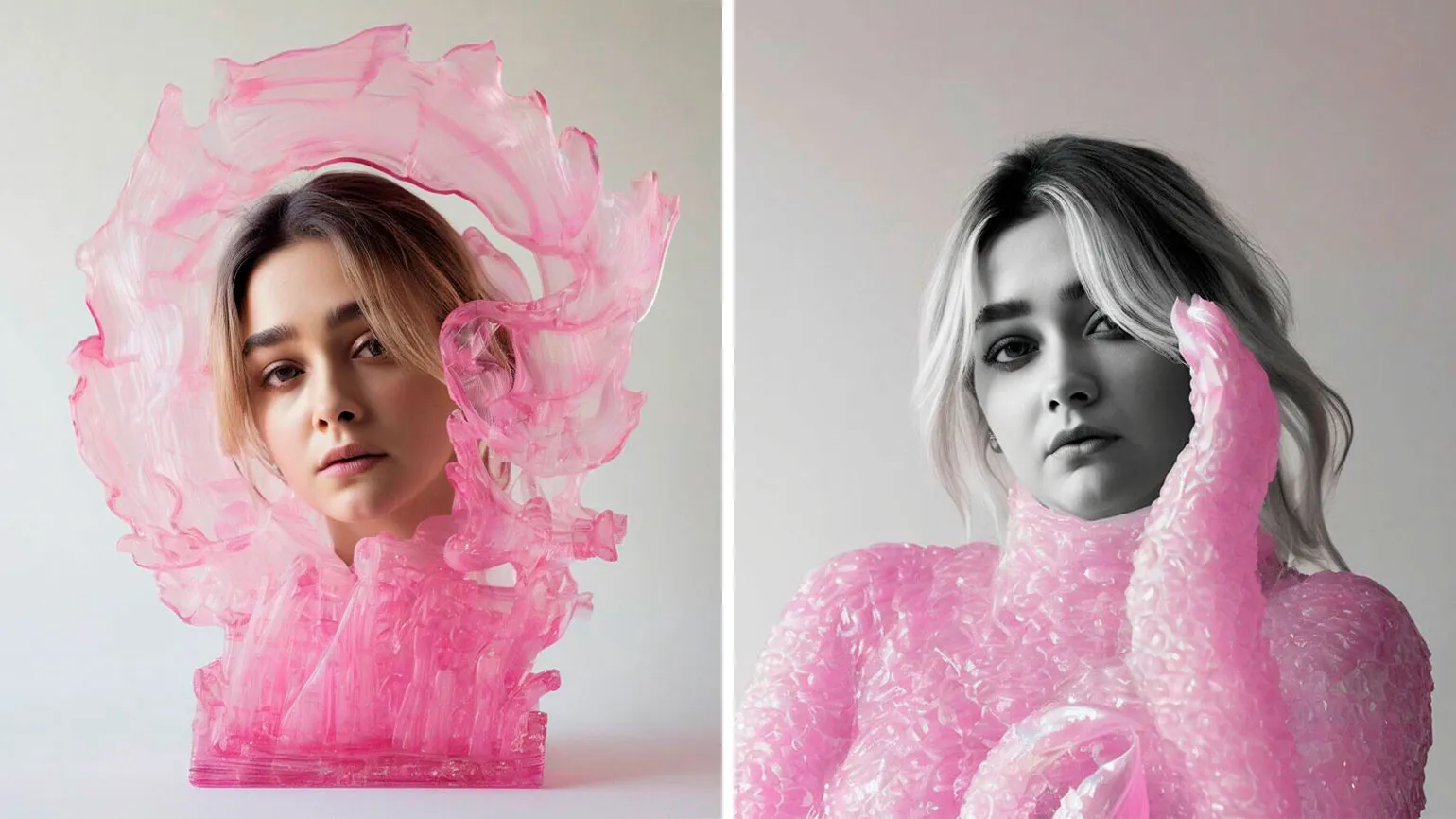
You can specify how the neural network will process the face in the photo: keep it in its original form or change it.
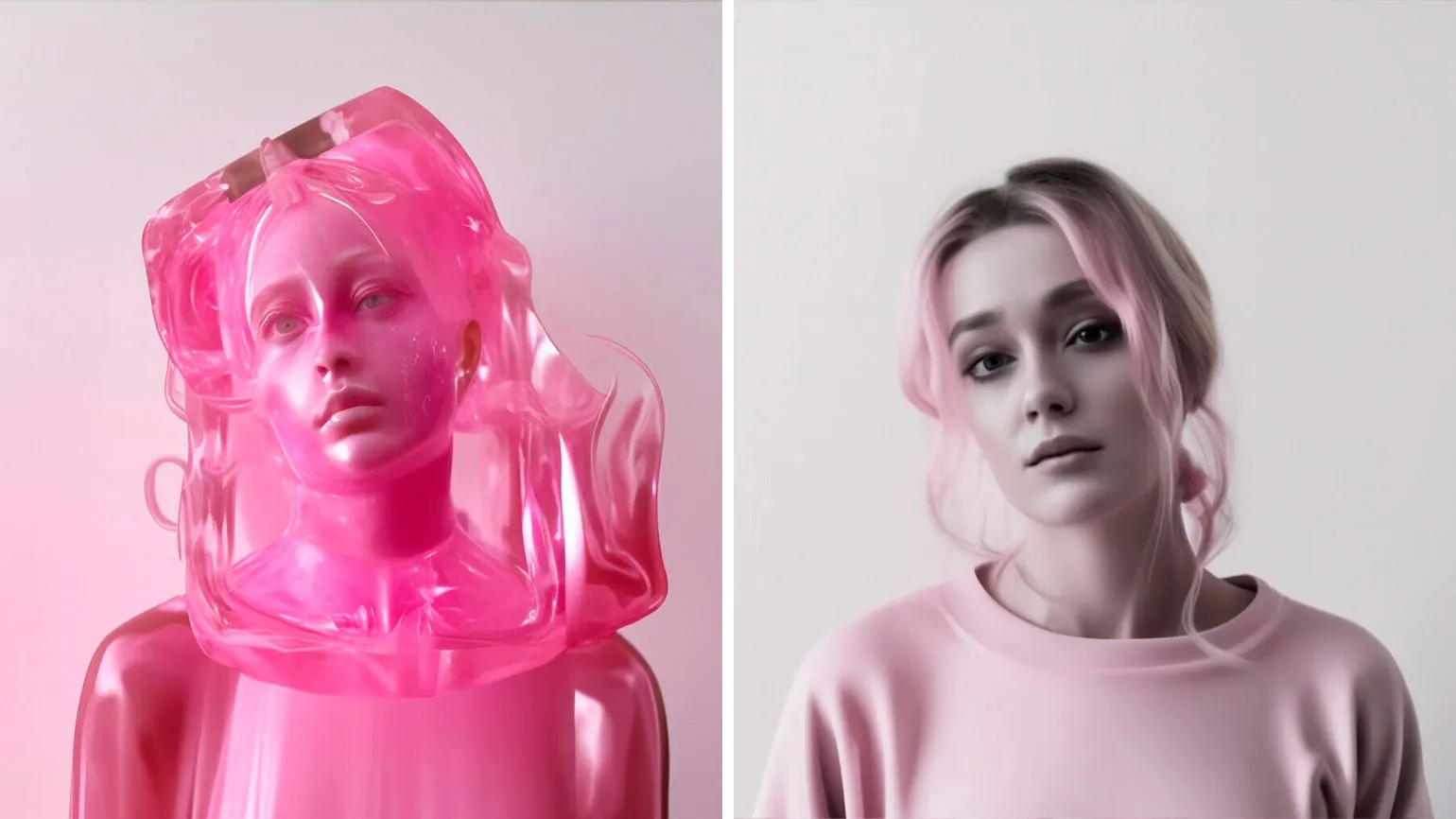
In the future, you will be able to use your own filter just like any other.
Filters are available exclusively in the mobile app.
Feed
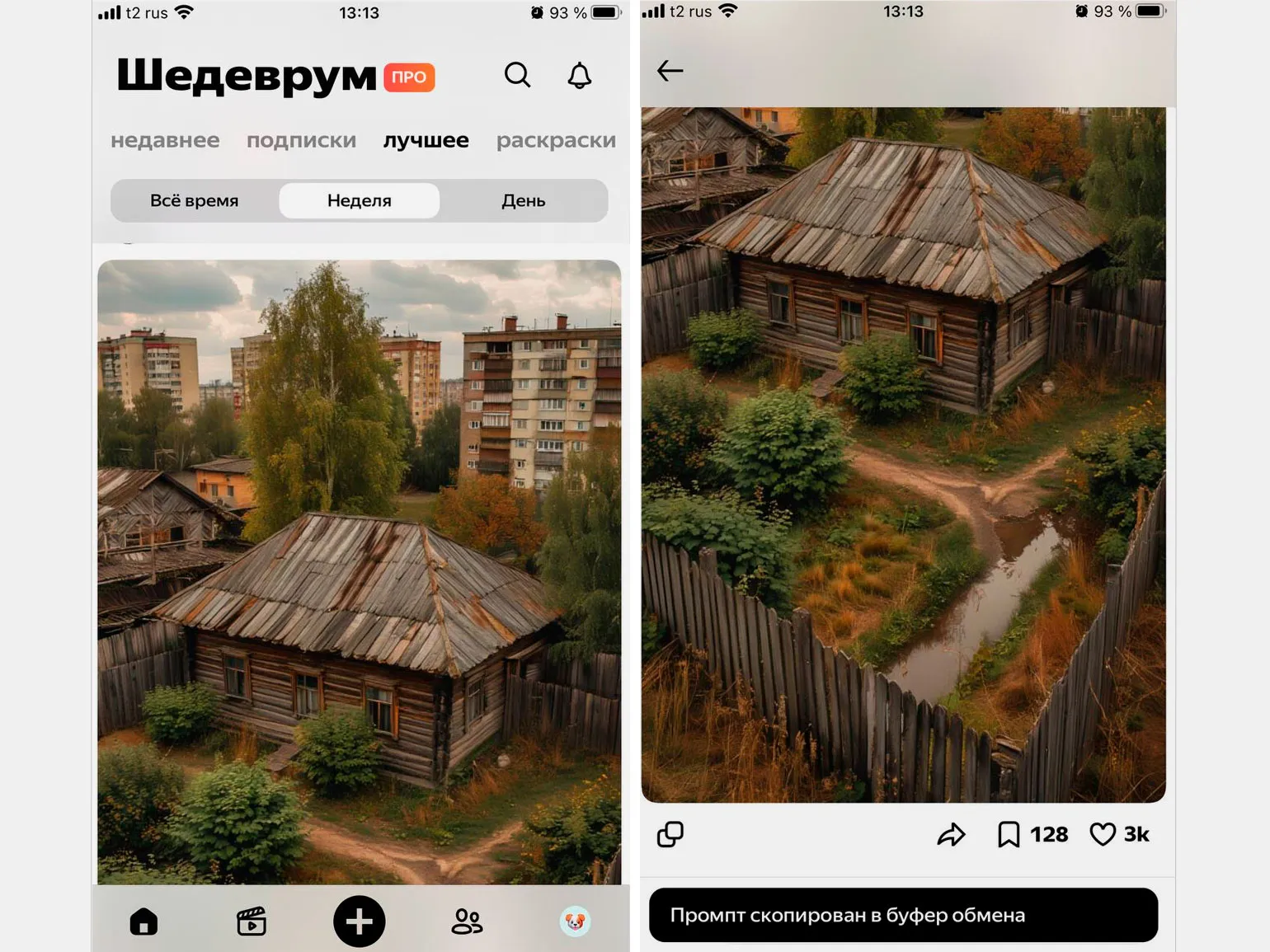
All your generated content can be posted in the general feed. It functions similarly to any social network: users can like, comment, and bookmark posts.
In our feed, you can copy the prompt of an image you like, unless the user has restricted access. To do this, simply open the desired image and click the "Copy" button. The prompt will be copied to your clipboard, allowing you to use it in Shedevroom or any other neural network.
Mode Studios
Access to this feature is only possible with a subscription and only in the desktop version of browsers. The feature is currently in alpha testing.
A subscription to Shedevroom is an additional option for Yandex Plus users. To access the premium features of the neural network, you must subscribe to Yandex Plus for 299 rubles per month and additionally subscribe to Shedevroom for 100 rubles per month. This will give you access to the unique features and improved content offered by Shedevroom.
Yandex Plus offers a 2-month trial period. Shedevroom has a 7-day trial period. To avoid being charged, you must unsubscribe. To do this, log into your Yandex Plus account, scroll down, and click "Cancel free subscription."
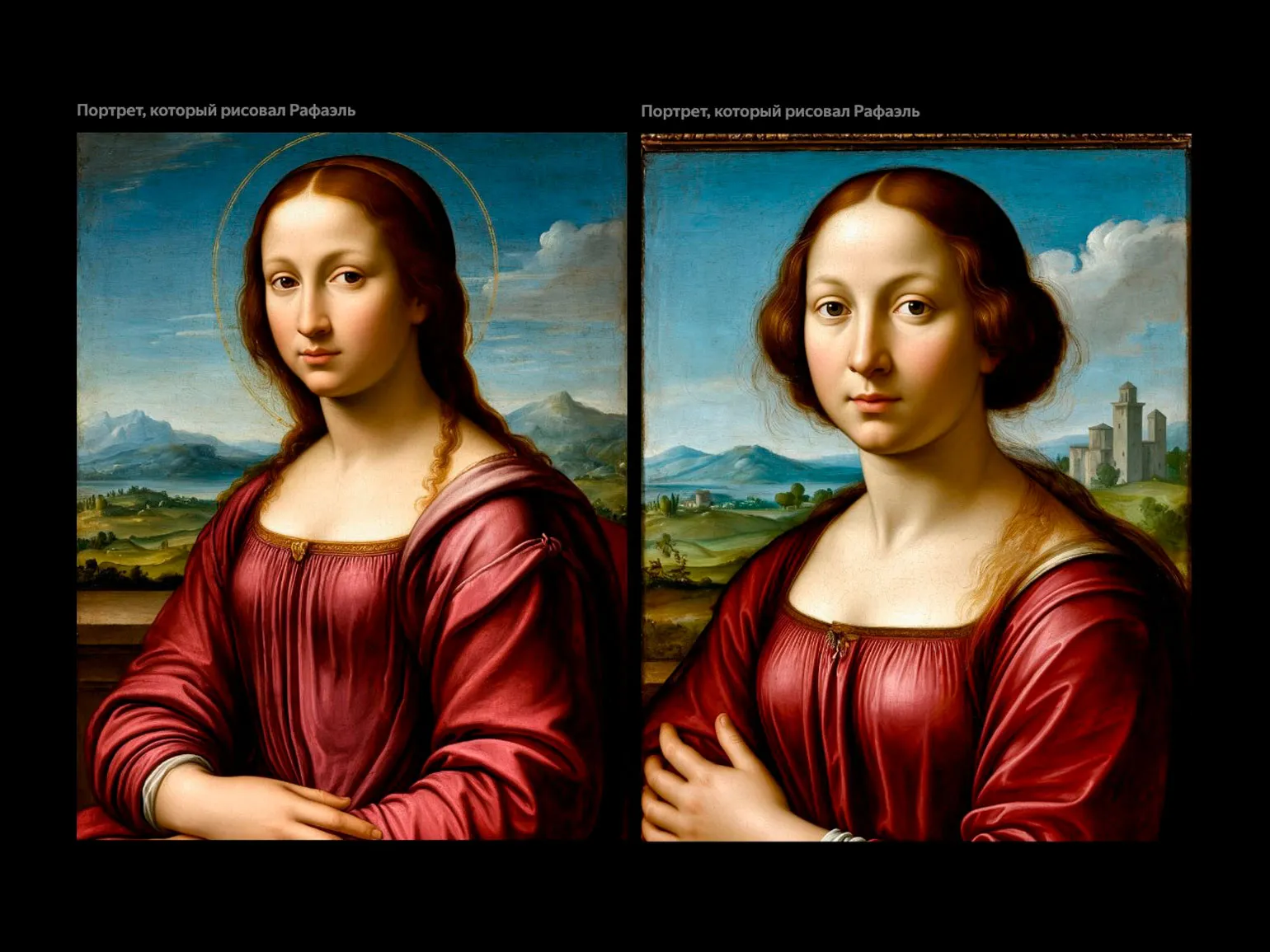
Image generation in this version is similar to the standard version: you enter a prompt, and the neural network produces the result. However, there are unique features available exclusively in the studio that expand your creative options and image customization.
Editing the seed is a key step in the image generation process. The generation starting point, or seed, determines the degree of variation between the images created. If the seed differs, even when using the same text prompt, the results will be unique. This allows for a variety of visual variations and gives you the opportunity to experiment with creative ideas. Setting up the seed correctly plays an important role in achieving the desired results and expands the capabilities of image generation.
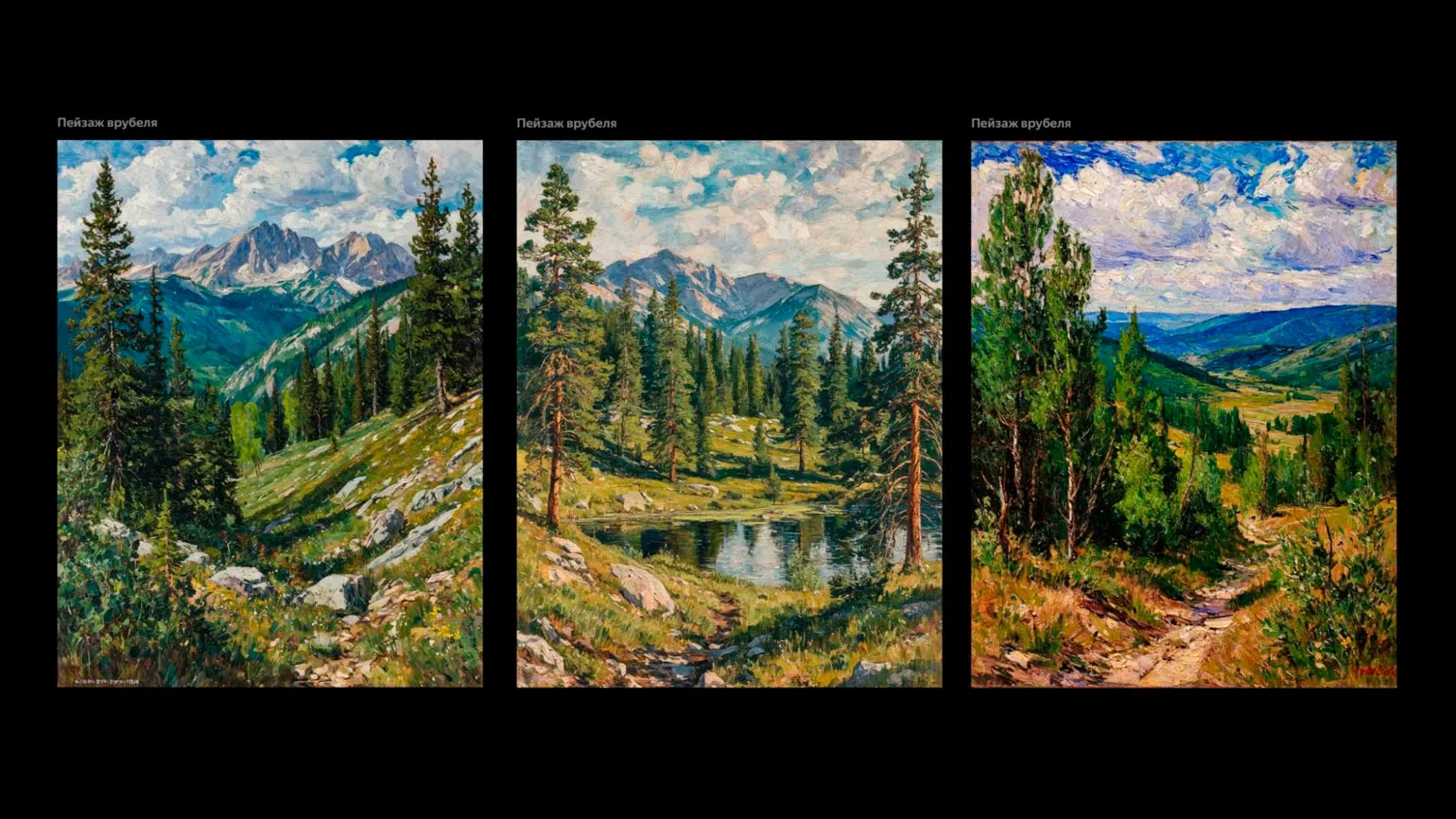
If the conditions are the same, the results will be similar. This statement emphasizes the importance of factors influencing process outcomes. Analyzing various situations, one can observe that, under equal conditions and using the same methods, similar results are observed. This phenomenon can be observed in various fields, from science to business, where key parameters remain unchanged, and therefore the predictability of results increases.
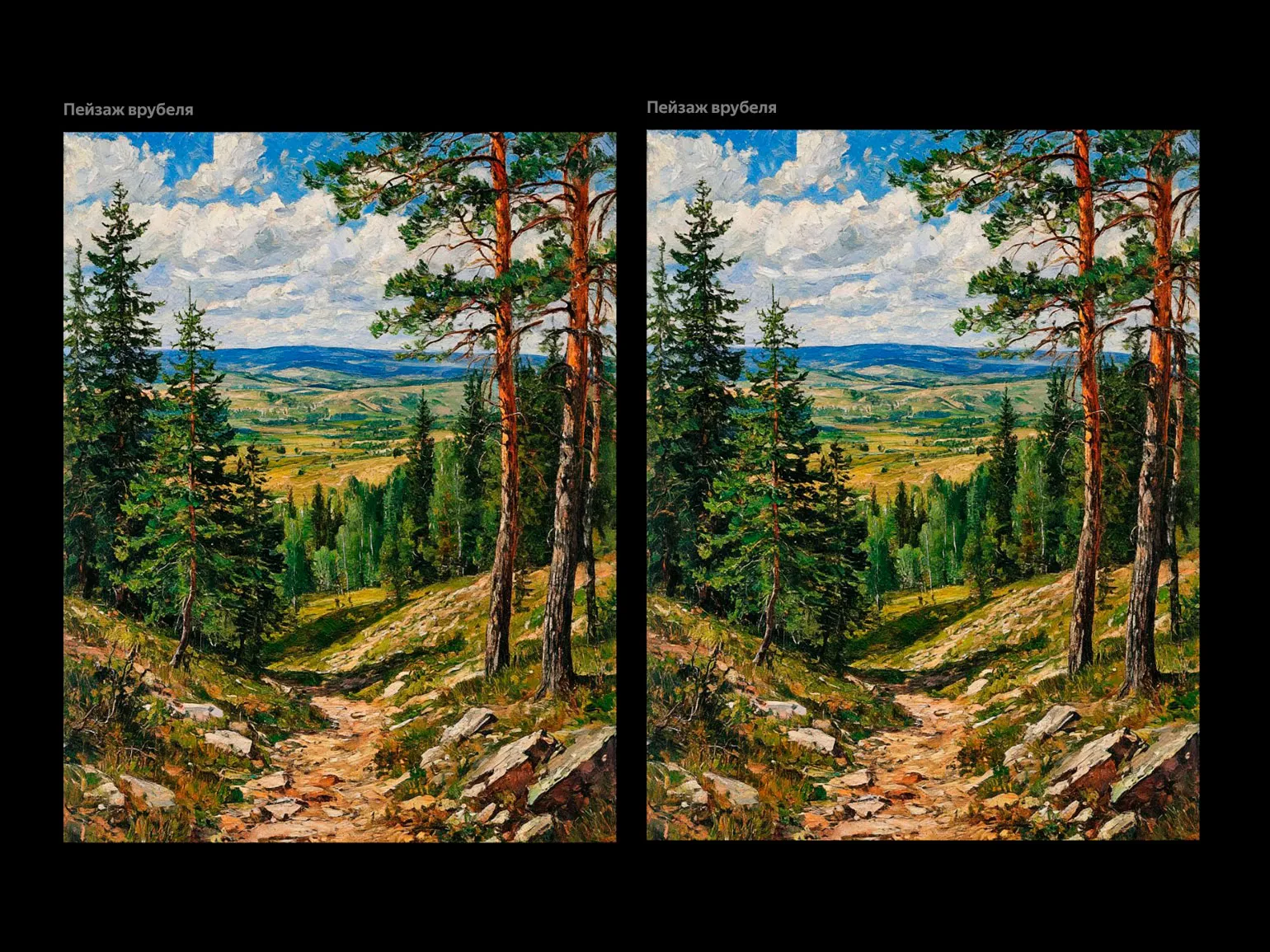
You can activate the improvement function A prompt that automatically completes your query, resulting in higher-quality generating results. This feature helps create more accurate and well-developed answers, improving overall text processing efficiency.
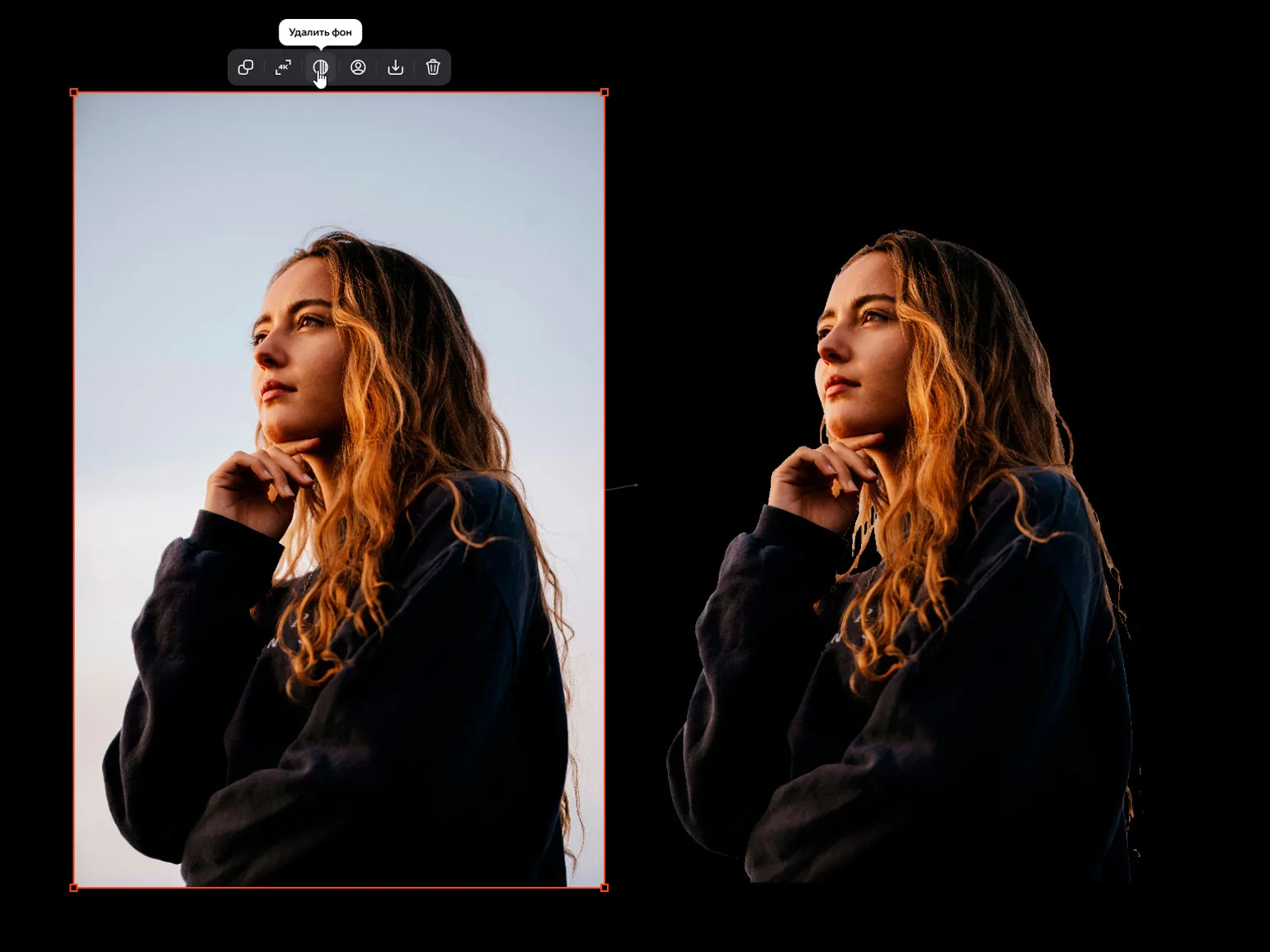
In our studio, you can quickly and easily cut out the background from photos. We offer professional image processing services, which allows you to get high-quality results. Background extraction helps highlight the main subject of a photograph, improve composition, and prepare images for use in various projects. We use modern tools and technologies to ensure high-quality work. Contact us, and we will help you achieve the perfect result.
In our studio, you can increase the resolution of any image to 4K. However, please note that this feature could sometimes produce errors during generation. It works primarily with images created in "Shedevroom."
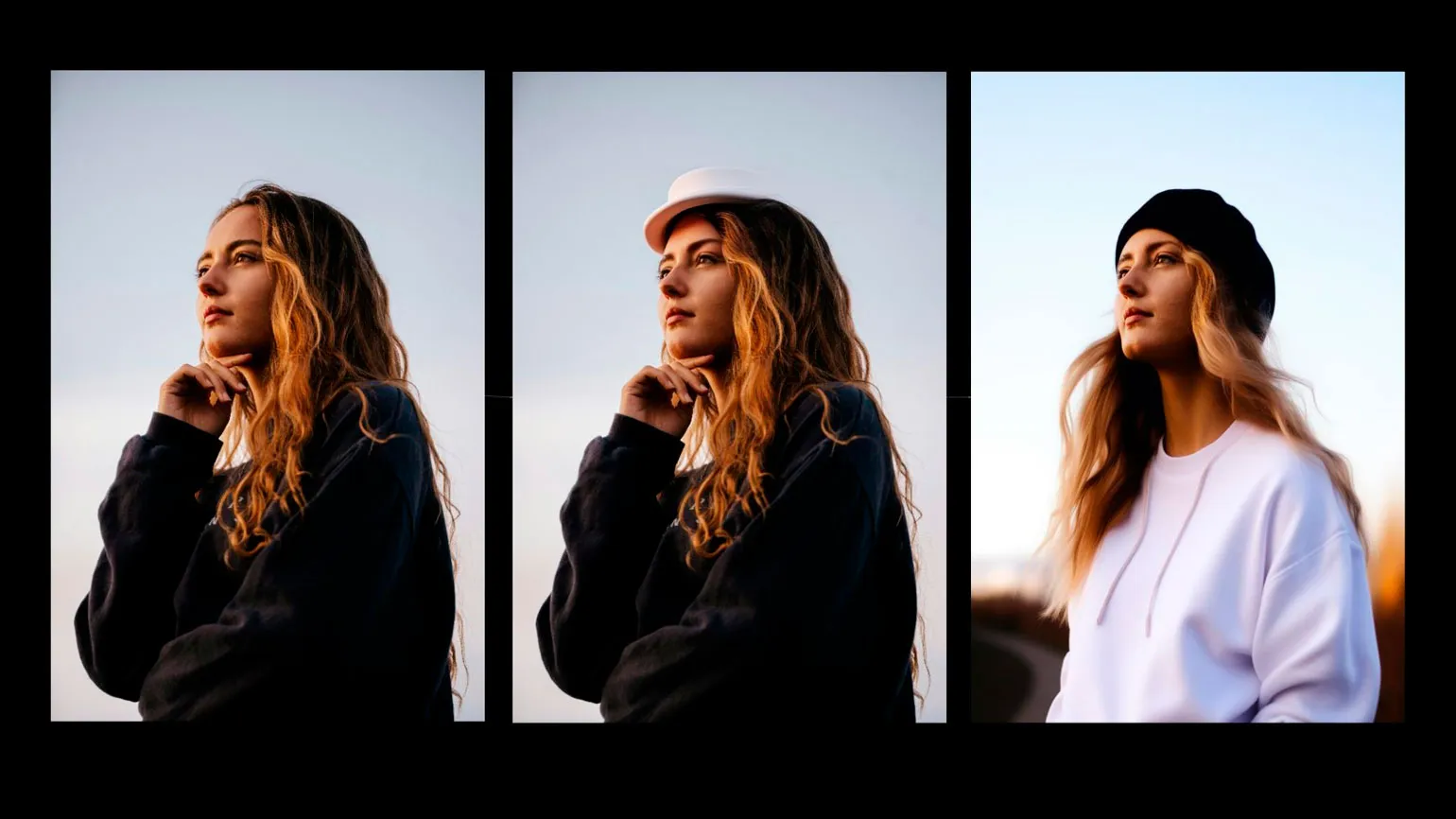
In our studio, you can modify a portrait, including replacing a face, adding hats and accessories, and changing the background. This mode does not allow you to choose the generation model, which can lead to unexpected results from the neural network. For example, we added a white hat to the portrait and then asked the AI to keep it and replace the black sweater with a white one. As a result, "Shedevroom" drew a cap instead of the expected hat. This shows that when using a neural network, it is important to take into account its features and limitations.
The paid version of "Shedevroom" offers not only access to the studio and its functions, but also a number of additional benefits. These bonuses significantly expand user capabilities and improve the efficiency of working with the platform.
- Additional generation models become available.
- Generation of black-and-white images - coloring pages. You can create them in the same way as regular ones, but the output will always be an outline or black-and-white image.
- When publishing, you can hide prompts or restrict access to the image.
- You can download generations without a watermark and before publication.
- Generation results can be used in commercial products.
Learn more about design and the latest trends in our Telegram channel. Subscribe and stay updated!
Read also:
- 8 free neural networks for creating presentations
- PixVerse AI: how to use a neural network to generate videos and animations
- Neural networks for animating photos: top 7 free services for animating pictures
- 12 free neural networks in Russian
- 7 free neural networks for finishing images
- 10 neural networks for working with pictures in 2024
- How to use the Krea AI neural network