
Contents:

Course with employment: "The profession of a Methodologist from scratch to PRO"
Find out moreA prototype, also known as an MVP (minimum viable product), is an implementation of a product idea, its sample or mockup that demonstrates the appearance and functionality of the final solution. Prototypes are widely used in digital industries, such as software development, mobile apps, and websites. Recently, there has been a growing interest in creating prototypes for online courses and educational products, which allows for effective concept testing and user feedback early in development. This approach helps reduce risks and streamline the final product creation process. Instructional designer Connie Malamed, author of "Visual Design for Professionals," shared information on her blog about using prototypes in online learning. Prototypes play a key role in educational program development, allowing for testing and improvement of learning materials before their final implementation. Connie emphasizes the importance of prototyping for creating effective and intuitive courses, which improves student retention. Using prototypes not only helps with visual design but also with organizing the learning process, making it more structured and effective.
Why do you need a prototype of an educational product?
Connie is confident that the benefits of prototyping significantly outweigh its drawbacks. A course prototype offers the following benefits:
First, it allows you to visualize the structure and content of the course, making it easier to understand the learning process. Second, prototyping allows you to identify and resolve potential problems early in the development process, saving time and resources. Third, it allows you to receive feedback from users, which helps improve the quality of the course and make it more appealing to the target audience.
Thus, a course prototype not only optimizes the development process, but also increases the effectiveness of training, which makes it an indispensable tool in the creation of educational programs.
- test the idea in its real embodiment;
- identify potential problems at an early stage of product design;
- implement an iterative design approach - that is, start with a functional "draft" of the course, and then refine and improve it from version to version;
- avoid wasting resources on an unsuccessful idea (in business, this process of testing and selecting hypotheses is called the "fast mistakes" approach);
- visually demonstrate the product idea to other people;
- involve the customer, partners, or future students in the program development process - to collect and subsequently take into account their feedback;
- justify the decisions you made to the customer and show how much resources and effort is required to develop a high-quality product.
Why Prototyping Is Sometimes Challenging
Connie Malamed notes that it's difficult to pinpoint the downsides of course prototyping, but she was able to identify several obvious drawbacks that largely align with the challenges of conducting detailed research before course development.
- Prototyping takes time at the initial stage of course development (although it saves time in the long run).
- It can be difficult to explain to a client or your manager why you are spending time prototyping instead of immediately starting to develop the course.
- The aforementioned “fail fast” approach is the conceptual basis of prototyping. However, not all work teams welcome mistakes, even if they ultimately save time and money. Connie’s advice is to simply not mention this approach out loud.
Types of Prototypes and What They Should Include
The author identifies four types of prototypes, each designed to perform a specific task. These prototypes play a key role in the development process, allowing you to visualize ideas and concepts, as well as test functionality before full implementation. Each type of prototype provides an opportunity to test, receive feedback, and make changes early in the project, which in turn contributes to a more efficient and high-quality result.
- A functional (or interactive) prototype contains the main functions of the product and shows users how it will be designed, and allows creators to ensure that the functions and interactive mechanics will work as intended.
- A presentation (or visual) prototype allows you to demonstrate and test the “like/dislike” perception of the visual design of the course.
- A usability prototype is used to test the ease of navigation and interaction with the product as a whole.
- A feasibility prototype helps creators test an idea to make sure that it is technically feasible or, conversely, not feasible and should be abandoned.
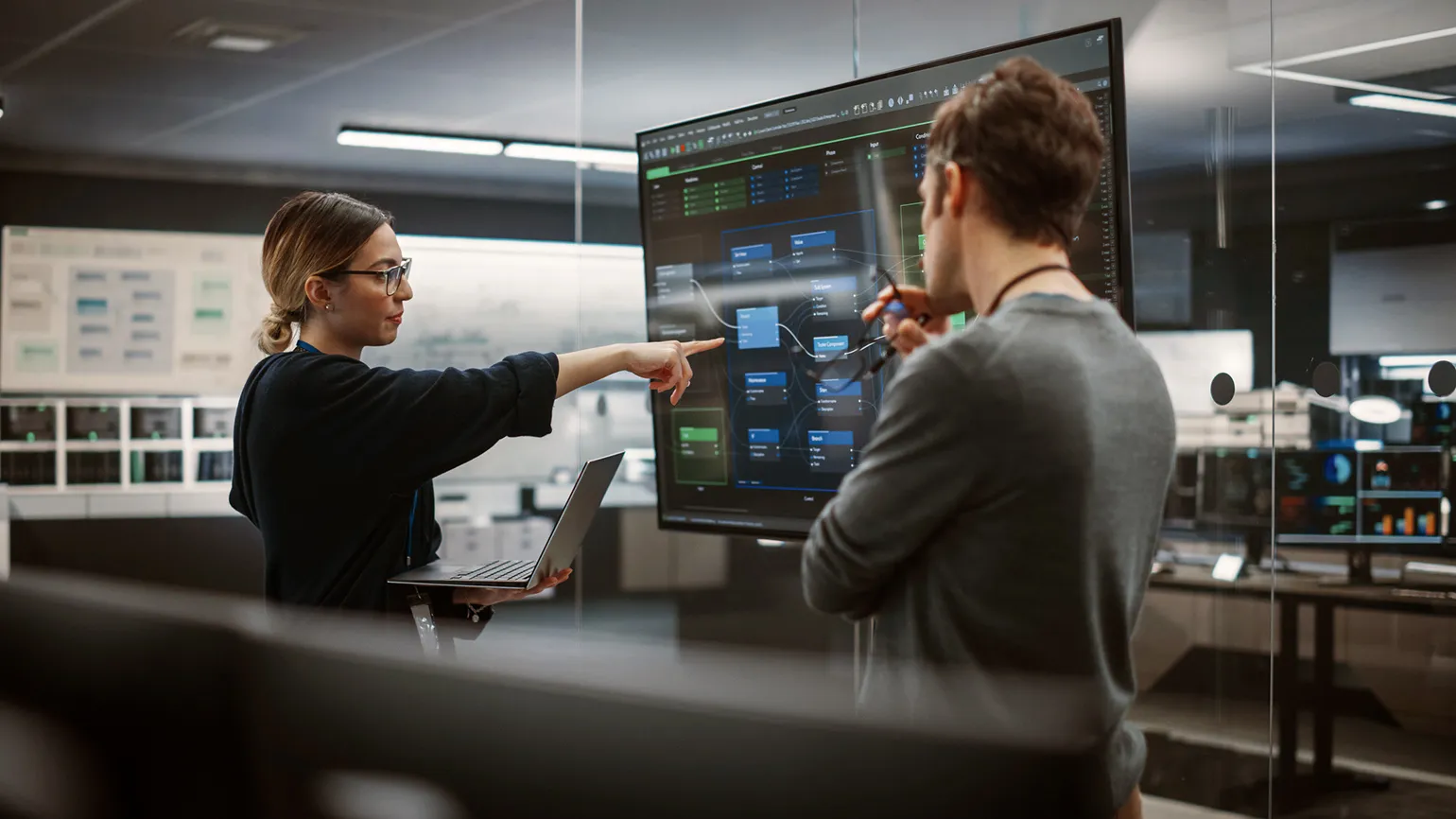
A single prototype can effectively combine components of different types. This allows for the creation of more versatile solutions that meet a variety of requirements and tasks. This approach helps improve the functionality and aesthetics of the final product, ensuring its diversity and flexibility in use.
When developing a prototype, it is necessary to focus on the student's interaction with the course. Connie suggests using this tool to check the following functions:
- buttons and other navigation elements function correctly;
- if the lesson contains a branching scenario, each path leads the student where it should;
- interactive elements work correctly;
- the student receives feedback on their actions as planned;
- student answers on the test are recorded, the results are displayed correctly;
- media content, such as video, audio, animations, plays without technical errors.
A product prototype typically does not include actual functions, interactive mechanics, or full-fledged educational content. Its main purpose is to evaluate user reactions to the design style in the early stages of development, before the program and educational materials are created. It is important that the prototype include the following elements:
- screen layouts (or slides) with the course title, module and lesson headings, and different content formats;
- location and design of navigation elements and various menus;
- color palette;
- selected font (or fonts) in different sizes and styles;
- samples of the style of photographs, illustrations, and icons;
- appearance of interactive elements, including elements in different states (for example, what a tooltip looks like, how a button changes when a user hovers over it).
A usability prototype is an important tool for collecting feedback from users before and during course development. It helps identify and eliminate shortcomings in navigation, interaction with the platform, visual design, and the learning process. Primary attention should be paid to components that cause difficulties or dissatisfaction among students. A usability prototype provides the opportunity to:
— testing the interface and functionality,
— identifying problem areas in the user experience,
— optimizing navigation and simplifying interaction with the platform,
— improving the visual design, which in turn helps increase student engagement,
— Adapting a course to the actual needs of users, which increases its effectiveness.
Using a usability prototype helps create a more comfortable and productive learning environment, which ultimately leads to improved learning outcomes.
- Ensure that students can easily understand how the course is structured and navigate the learning materials;
- Check whether the course is convenient to complete on different devices - laptop, tablet, smartphone;
- Test whether the learning process flows smoothly, whether the information is presented clearly, whether the cognitive load is too high, and whether students enjoy the course.
Connie Malamed notes that usability prototypes do not require a high level of detail; they can represent the basic structure of a course without complex visual design. In English, this format of prototypes is called a wireframe, which translates as "grid" or "framework". Creating a prototype on a real learning platform isn't mandatory—design tools like Figma and Balsamiq are suitable for this purpose, allowing you to effectively visualize ideas and concepts. Using wireframe prototypes helps you focus on functionality and structure, which are key to a successful educational process.
This type of prototype allows you to evaluate the feasibility of a specific format or teaching method, taking into account the available tools, timeframe, and budget, before fully developing a course. Feasibility prototypes are typically used in the following cases:
- There are several possible solutions to a methodological problem.
- There is a risk that one or another component of the course will not work for technical reasons.
- The idea may seem so complex to implement that it will take too much time.
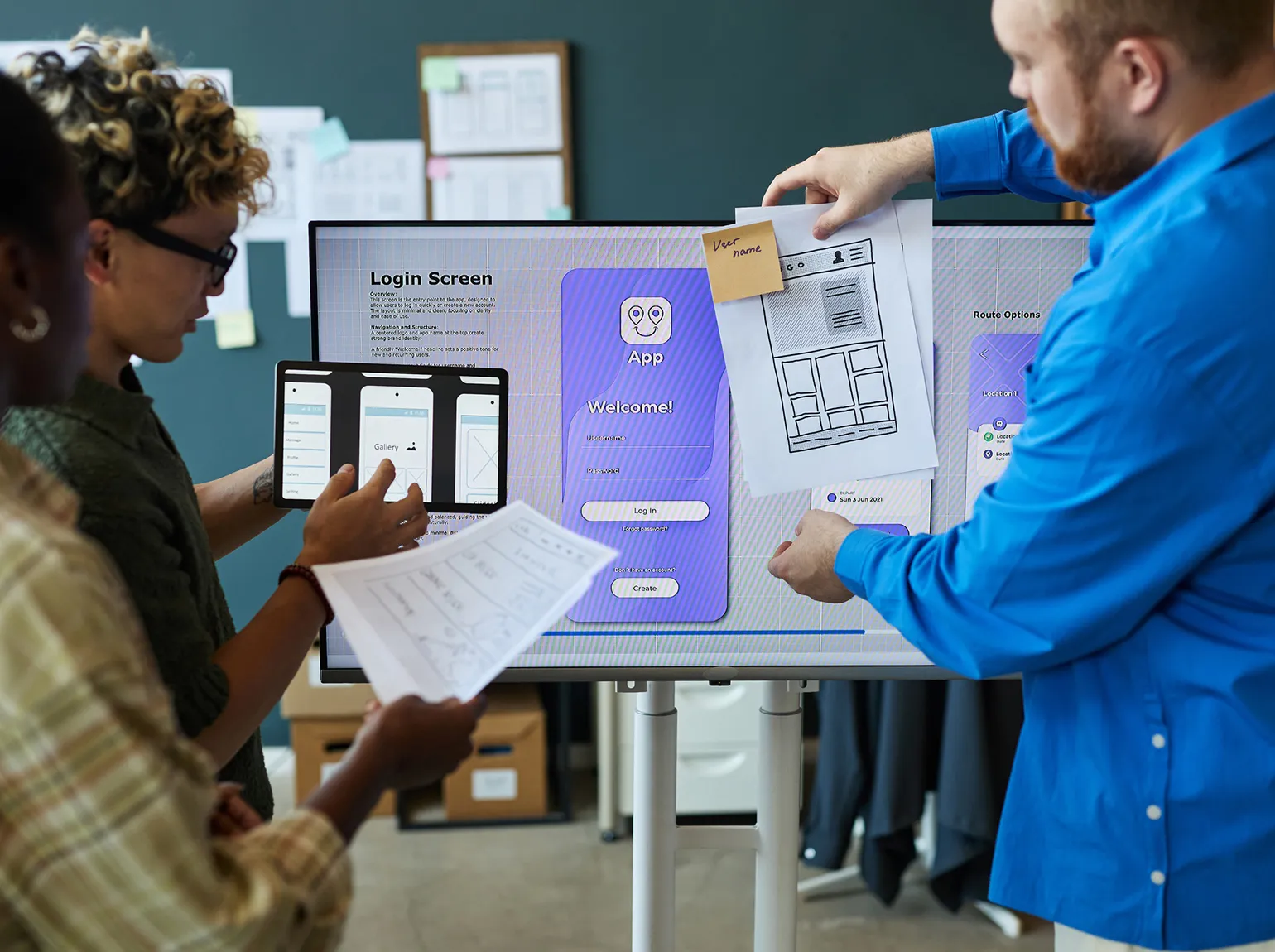
This could be, for example, a prototype of a unique feature, a simplified version of a complex format, or a reduced-size component. This approach allows you to quickly test ideas and avoid lengthy development, focusing on the key aspects of the project.
How Prototypes Are Created
Prototypes can have varying degrees of elaboration, ranging from simple and low-fidelity (low-fidelity or lo-fi) to realistic and high-fidelity (high-fidelity or hi-fi). Low-fidelity prototypes are designed to demonstrate the structure and main functions, which allows you to quickly test a hypothesis and collect feedback. In turn, high-fidelity prototypes are used to more deeply understand user interaction with the product, as well as to test visual design and interactive elements. This approach ensures efficient product development and an improved user experience.
The level of detail determines the required toolset. The more detailed your project, the more specialized tools you'll need to implement it. Choosing the right tools based on the level of detail will help streamline the workflow and improve the quality of the final result.
- Paper and pencil. Yes, the most basic low-detail prototype can be simply sketched by hand directly on paper. This can be used to depict the user interface, the logic of a learning activity, the structure of the learning material, or the entire course to show to colleagues or a client and get feedback.
- Low-detail prototyping tools. They are used to create a "wireframe" of the future design layout from blocks, lines, and other basic elements. Such tools include the aforementioned Balsamiq and Figma. The latter allows you to create not only static but also interactive prototypes.
- Presentation designers. Connie Malamed classifies services such as PowerPoint and Google Slides as medium-detail prototyping tools. They can be used to demonstrate the design of the future course, and use hyperlinks between slides to develop navigation and interactivity. If you're designing a course for mobile devices, it's easy to change the aspect ratio and slide sizes in the builder.
- Course builders allow you to create an interactive prototype that closely matches the final course in detail. By choosing the tool in which you'll build the course itself, you'll save time by avoiding the need to transfer your work from one platform to another. However, as the author of the article warns, this can lead to a premature focus on design elements.
What Else Can You "Prototype"?
Prototypes play a key role not only in the development of online courses but also in the design of various learning formats. Connie Malamed offers several effective approaches to using prototypes in educational projects. These methods help create a more interactive and engaging experience for learners and also facilitate the process of testing and implementing new ideas. Using prototypes allows you to optimize educational processes and adapt them to the needs of the target audience, which in turn improves learning outcomes.
- a prototype training or workshop lasting several hours is a 15-30-minute training;
- a prototype of a multi-page manual is a one-page cheat sheet;
- a prototype video lesson is a shortened version or a full version, but filmed on a budget (for example, on a smartphone).
Reworked text:
Please pay attention to our recommendations and advice. We invite you to familiarize yourself with useful materials that will help you deepen your knowledge. Don't miss the opportunity to explore topics that may be interesting and useful to you. Read also our articles and reviews to stay up-to-date with current trends and news in your field.
- Red flags when working with clients: what should alert a freelance methodologist
- How to improve a corporate course with beta testing: a case study
- Why and how to use the principle of uniformity when creating online courses
- Checklist for checking course content before launch
- Principles of multimedia learning that help create digital educational content
The Profession of Methodologist from Scratch to PRO
You will improve your skills in developing curricula for online and offline courses. Master modern teaching practices, structure your experience, and become a more sought-after specialist.
Find out more