Contents:
Learn: Unity Game Developer Profession from Scratch
Learn moreIn addition to prefabs, Unity allows you to use various built-in effects to enhance visual perception. One such effect is Trail, which creates a trail when objects move. To use this effect, place the Trail component inside another object, allowing it to be visible as it moves. This adds dynamism and realism to the game, improving the overall user experience.
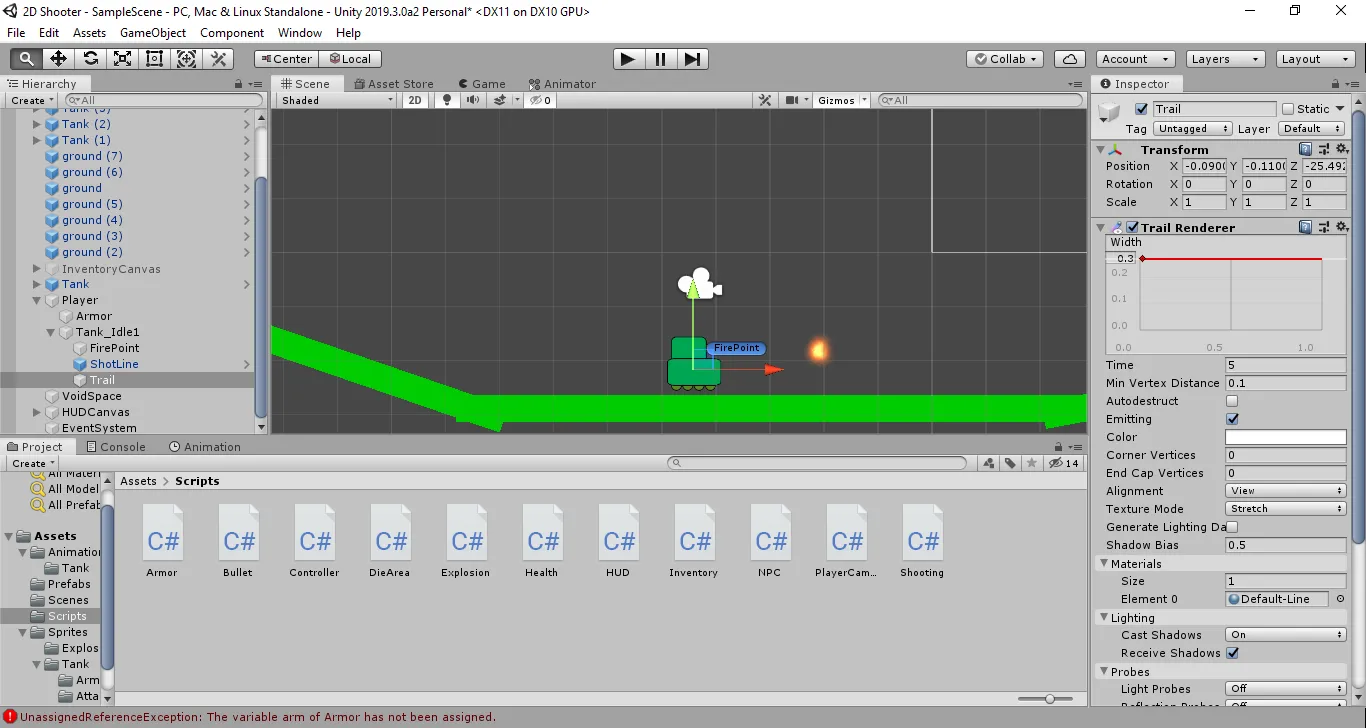
You can customize the thickness and color of the trail, as well as its disappearance time and other parameters. Once configured, the trail will automatically follow the object to which it is attached. This process does not require any additional actions on your part.
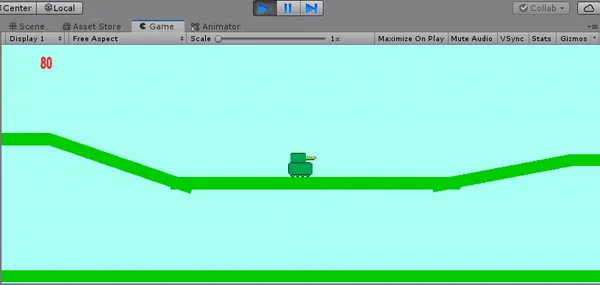
This can be useful for creating a more realistic effect of a bullet in flight or falling smoldering debris in various visual media. Using such details allows you to enhance visual perception and make the scene more dynamic and memorable.
Profession: Unity Game Developer from Scratch
You'll master game development from scratch. Improve your programming skills: learn to write in C# and create 2D and 3D games in Unity. The language is easy to learn, even if you've never coded before. This means you'll be able to develop the mobile or desktop game you've always dreamed of and land real-world projects during the course. And a personal manager will help you find a job at a cool game studio.
Find out more